
Project Reporting Software for Tasks, Time and Costs
A project dashboard shows where things stand, but important decisions often need the records behind those figures. BizCompass brings project, task, issue, time, cost and monthly MIS reports together, helping teams examine work and financial information in greater detail.
Understand Project Progress Through Task & Issue Reports
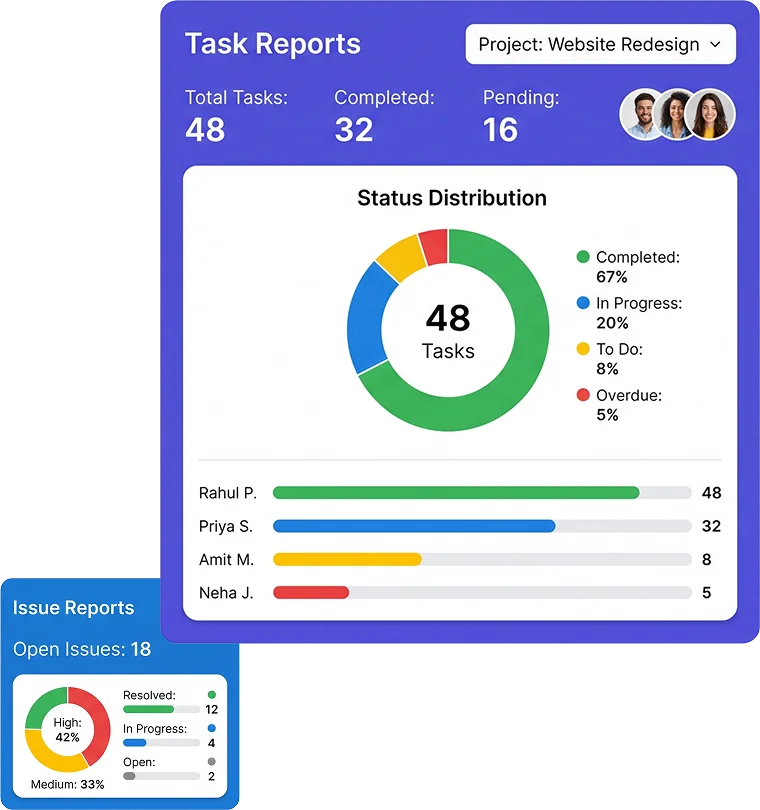
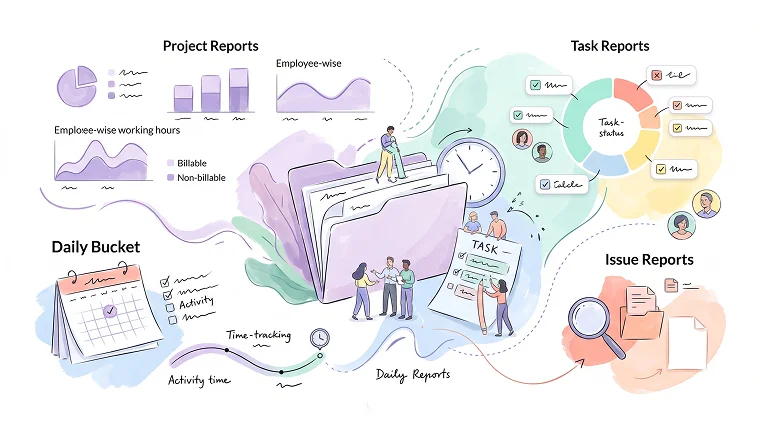
Project and Task Reports connect work status with employee-wise hours and billable or non-billable time, so progress discussions can rely on specific records. Issue Reports offer a separate way to examine reported problems using relevant project, employee and issue criteria.
Daily Bucket Reports for Task Activity by Date
Daily Bucket Reports help teams understand what work was recorded on a particular date. Task details, working time and status information provide useful context when examining day-to-day project activity.
Break Down Project Costs by Employee and Company
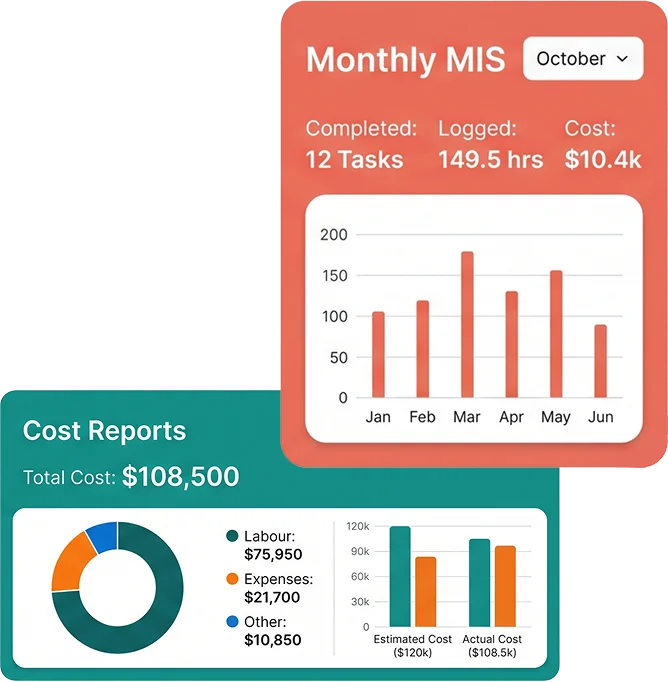
Cost Reports connect project spending with employee hours, rates and additional expenses, making it easier to understand what contributes to reported costs. Company Wise Cost Report and Cross Company Cost Report provide separate reporting views when financial information needs to be examined across company contexts.
Time Logs, Timer Differences & Overtime Reports
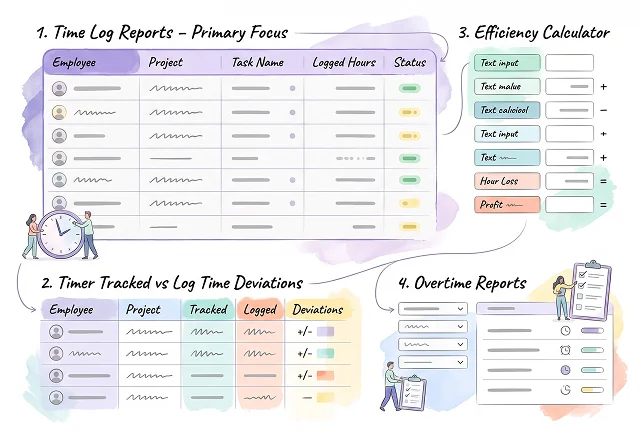
Employee Time Log Reports provide day-wise working-hour records, while Timer Tracked vs Log Time Deviations helps teams examine differences between timer-tracked and logged time. A separate Overtime Reports view supports overtime-related reporting where information is available.
Efficiency Calculator for Hours, Revenue and Profit
Daily Bucket Reports help teams understand what work was recorded on a particular date. Task details, working time and status information provide useful context when examining day-to-day project activity.
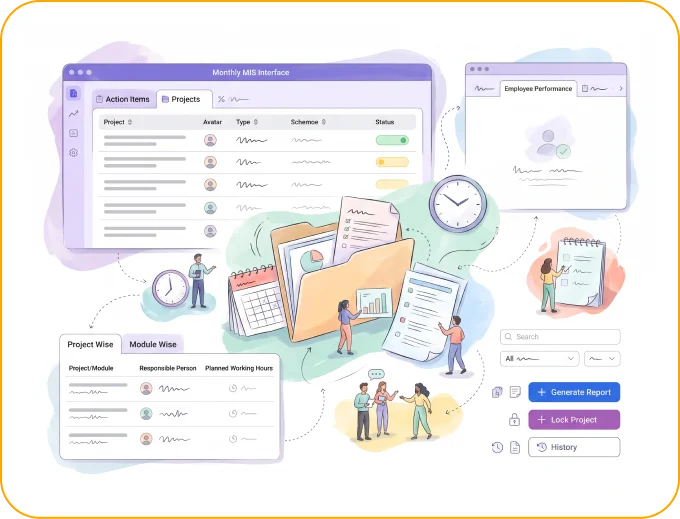
Monthly MIS Reports for Project Plans & Action Items
Monthly management discussions need more than completed-task counts. BizCompass MIS reporting brings action items, responsible people, project and module plans, and planned working hours into a structured reporting process, with additional employee-related reporting sections available.
Filter, Group & Export Project Report Data
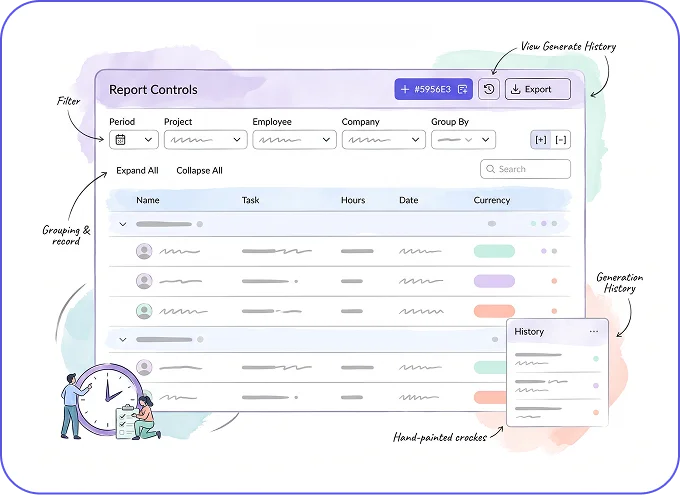
Different reporting questions need different sets of records. Narrow the information by the relevant period, project, employee or company, then use the available grouping, report-generation and export options to examine the details that matter.
Frequently Asked Questions
Project reporting software helps teams examine project work, task progress, recorded time and costs through detailed reports. BizCompass includes project, task, issue, time, cost, efficiency and MIS reporting capabilities.