
OKR Management Software
Set clear objectives and measurable key results for employees. Define targets and weightages, create reusable OKR templates and assign objectives with Bizcompass.
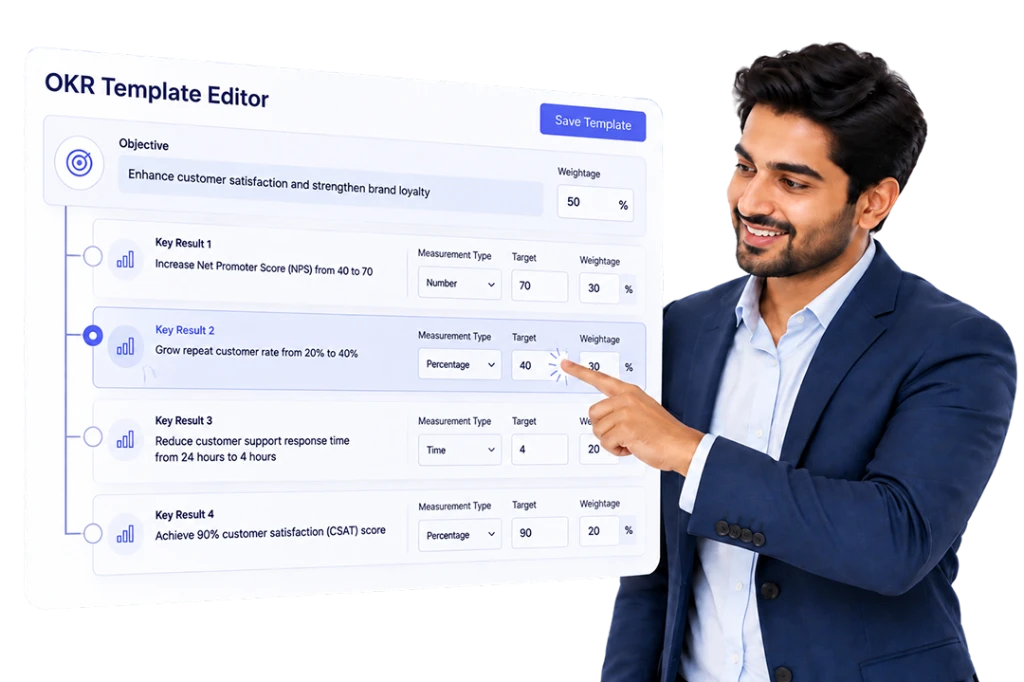

Create KRAs and KPIs with Clear Performance Measures
Define key responsibilities through KRAs and measurable outcomes through KPIs. Choose progress measurement types such as numbers, percentage completion or completed/not-completed, and set criteria, weightages and relevant targets.
Choose How OKR Progress Is Measured
Use numbers, percentage completion or completed/not-completed measures. Set target directions such as Reach or Stay Below, and define the values used to evaluate each key result.
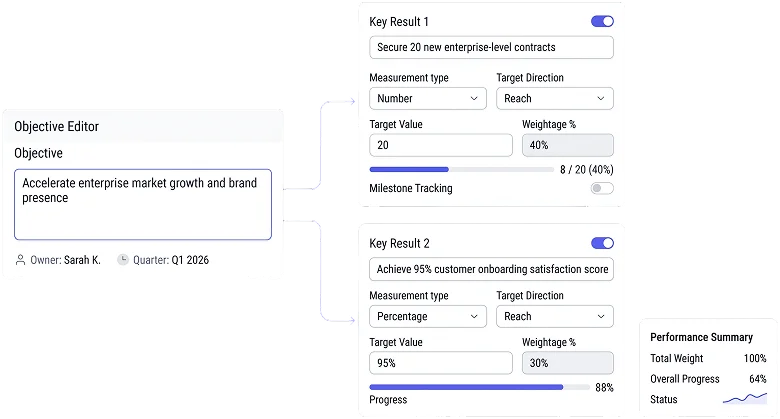

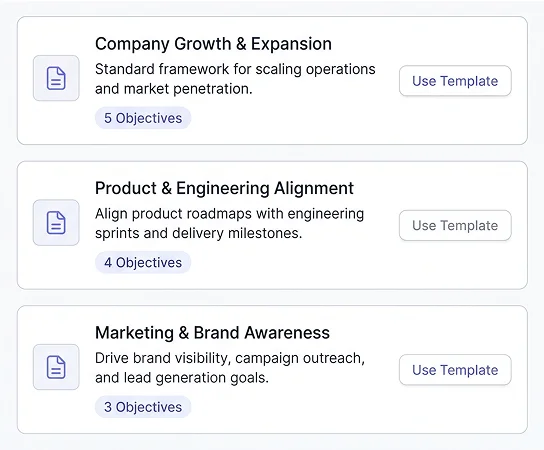
Build Reusable OKR and Key Result Templates
Create templates containing objectives and their related key results, with defined measurement settings, targets and weightages. Reuse these templates when assigning similar objectives to employees instead of creating every OKR from the beginning.

Assign Objectives and Key Results to Employees
Create employee OKRs directly or select them from an existing template. Choose the employee, time frame and start and end dates, with the relevant measurement settings and weightages for each assignment.
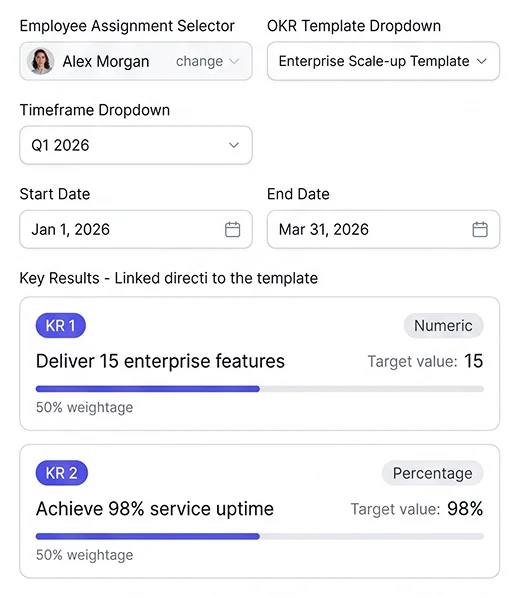

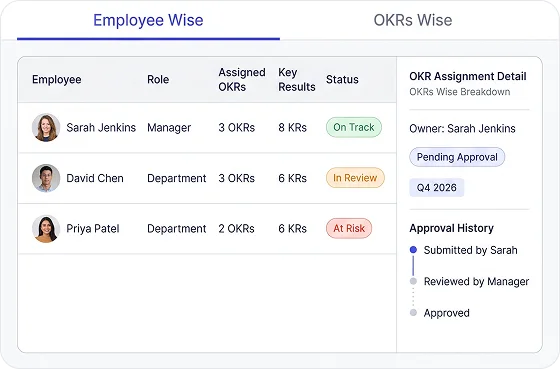
See Assigned Objectives and Their Key Results
Switch between OKR-wise and employee-wise assignment views. Examine available fields for ownership, status, time frames and approval history, alongside employee-level counts of assigned objectives and key results.