Employee Leave
Management System
Manage leave applications, approvals, balances, policies, holidays, settlements and payroll-linked leave calculations from one system.
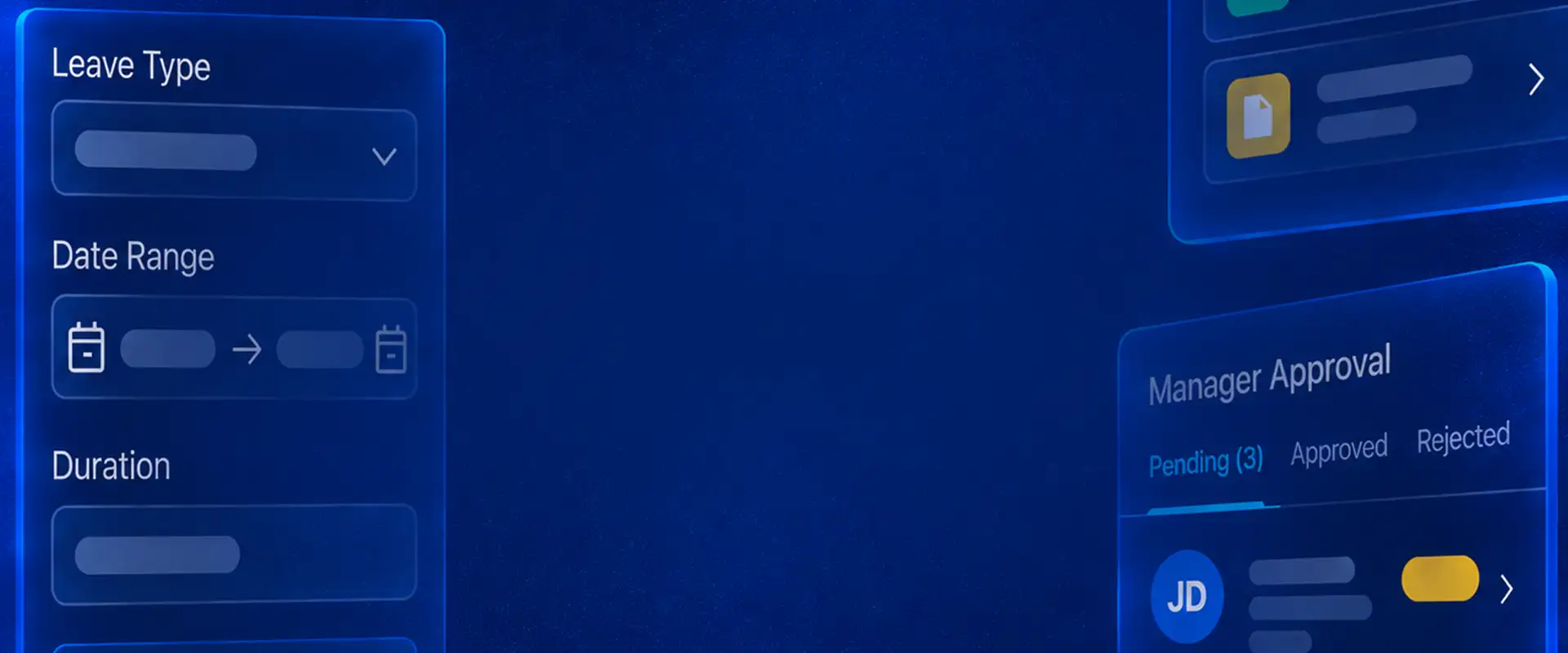
Manage Leave Applications, Balances and Approvals in One Flow
Employees can choose the leave period and leave type, check the available balance, add a reason and submit the application. Managers can review requests through the approval workflow, while notifications keep employees and approvers updated on request activity.

Review Team Availability Before Approving Leave
Use the team leave calendar to see planned absences and understand who is already away before acting on another leave request.
Configure Leave Types
& Policies Around Your Rules
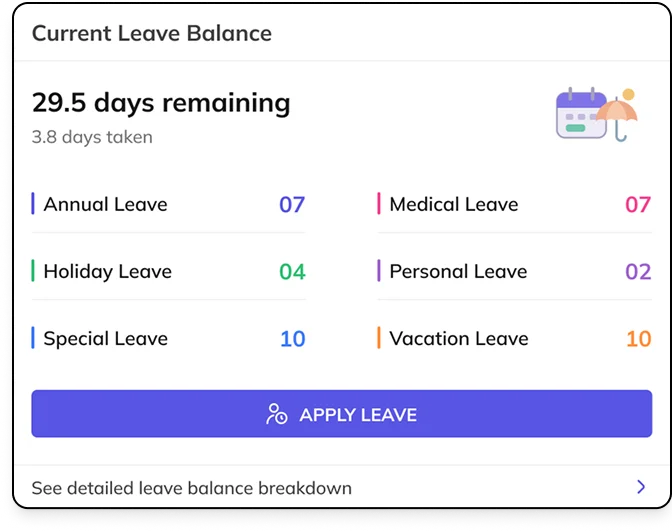
Create the leave types your workforce follows, including paid, unpaid, earned and compensatory leave, and define how each type should be credited, used and controlled.
Set Leave Credits, Accruals and Usage Limits
Define credit frequency, yearly and monthly leave credits, usage limits and other balance rules so entitlements follow the leave policy automatically.
Control Eligibility and Leave Application Rules
Define when employees become eligible for a leave policy and apply conditions for situations such as probation, notice period or other employee eligibility requirements.
Manage Comp-Off and Unpaid Leave Rules
Configure compensatory and unpaid leave within your leave structure and apply the appropriate credit, eligibility and usage rules for each type.
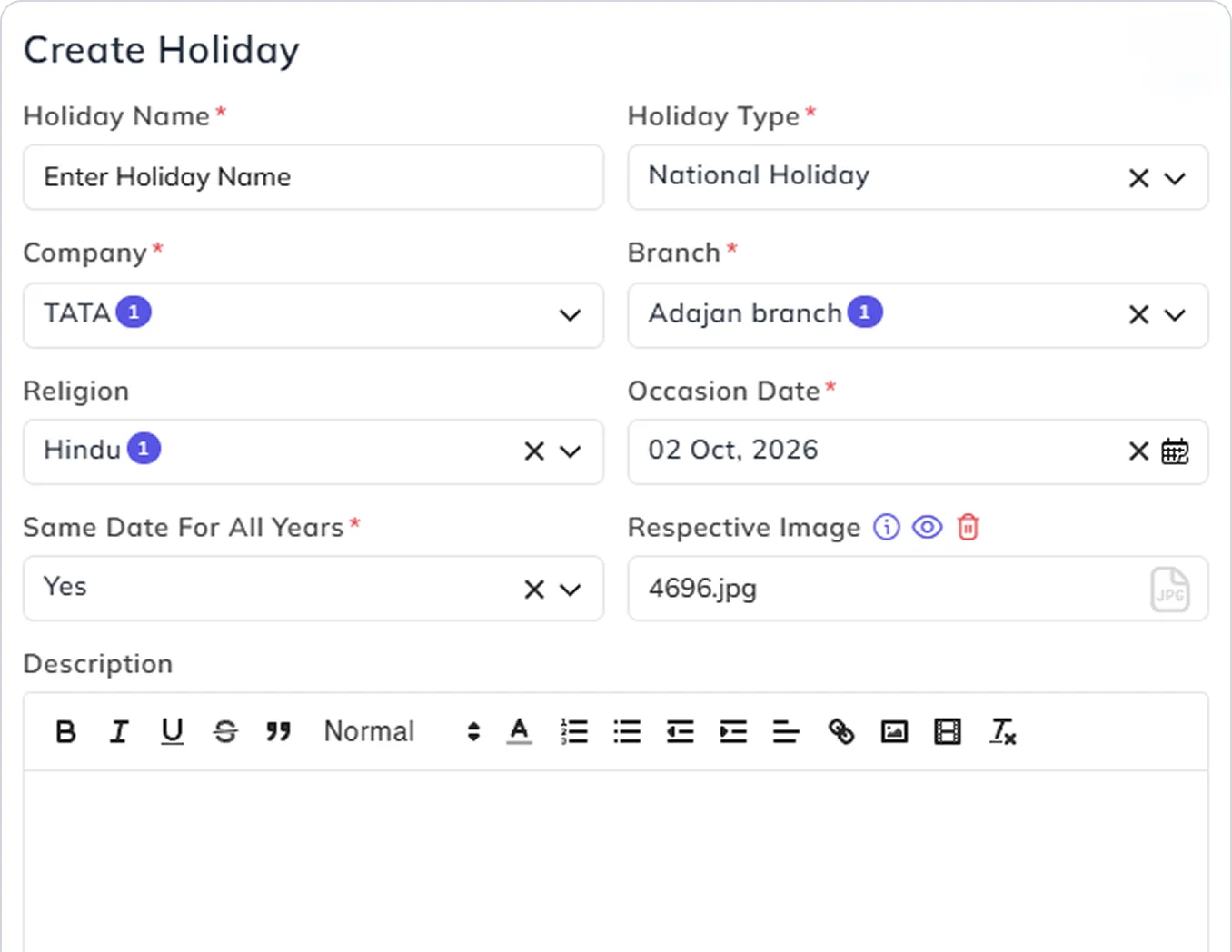
Manage Holiday Calendars Across Branches & Regions
Create holidays with the required type and date, assign them by company, branch or region, and maintain recurring holiday dates across years where applicable.
Manage Leave Carry-Forward,
Encashment & Settlement
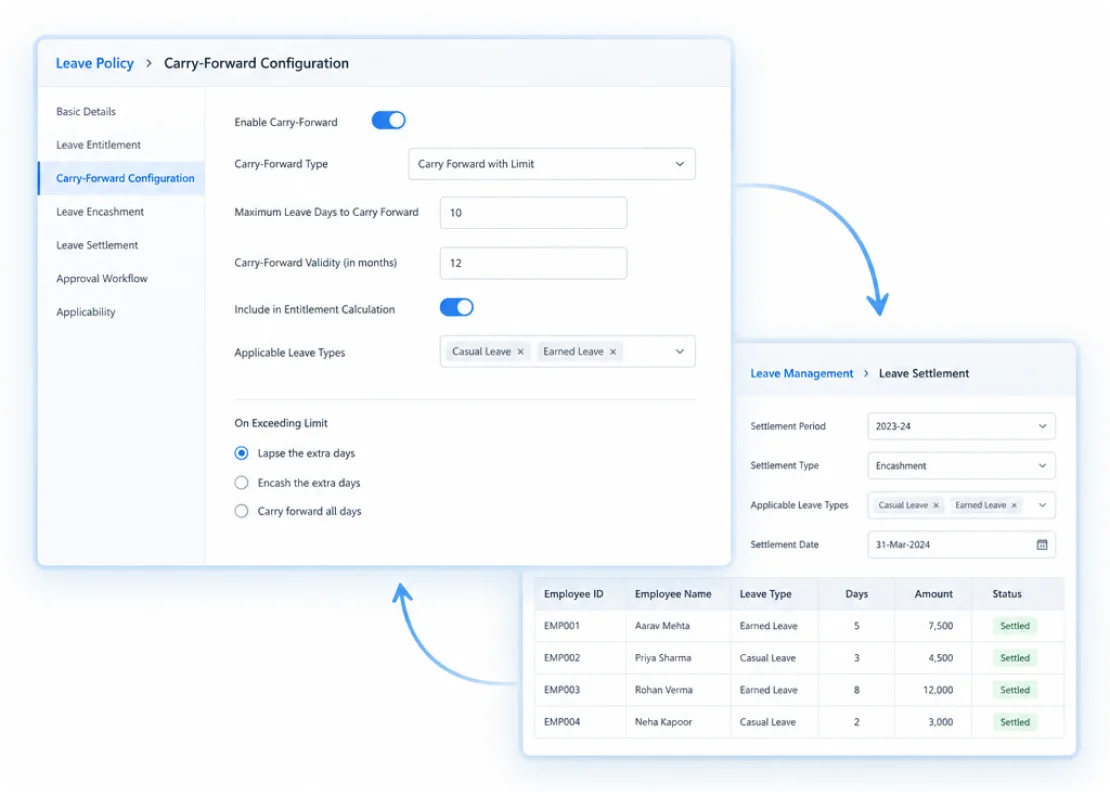
Decide how unused leave should be handled at the end of the applicable period. Carry balances forward, settle or encash them, or let unused leave lapse according to the configured policy.
Set Carry-Forward Limits and
Period-End Rules
Control how much leave can move into the next period and apply the appropriate forward, settlement or lapse rules for each leave policy.
Review and Settle Leave
Balances at Period End
Review opening, used and closing leave balances before finalizing settlement so the next leave period starts with the correct balance treatment.
Configure DLD Policies for Leave Deductions
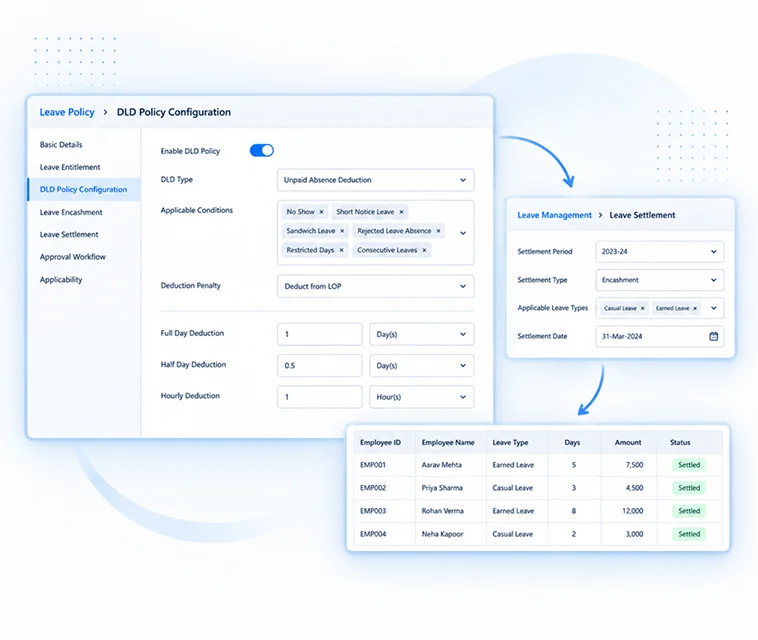
Create DLD policies for leave exceptions and control how each case affects an employee's leave balance. Define the applicable duration, deduction method, penalty and full-day, half-day or hourly leave deduction.
Apply No-Show, Short-Notice
& Sandwich Leave Rules
Configure DLD rules for no-shows, short-notice leave, sandwich conditions, rejected-leave absences, restricted days and consecutive leaves, including how holidays and week offs should be treated where applicable.
Sync Leave Balances
to LOP and Payroll
When an absence needs unpaid treatment, sync the applicable leave balance to LOP so the resulting deduction can flow into payroll calculations automatically.