
HRMS Mobile App for
Android & iOS
From attendance and team conversations to approvals, CRM leads and daily work, Bizcompass brings your essential business tools onto your phone. Employees and managers can get things done wherever work takes them, with access based on their roles.


Clock In, Request Leave
& Check Your Day
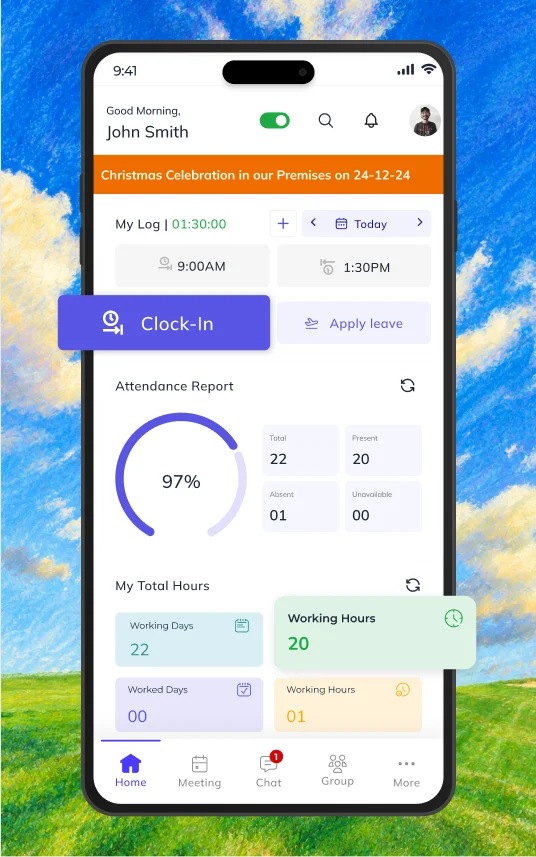
Start with your attendance status, leave and remote-work balances, attendance reports, upcoming holidays, birthdays and company announcements. Quick actions help you reach daily requests, while authorized users can check absent employees.
Selfie & Geo-Location Attendance
Clock in and out using a selfie and location details. Check attendance logs, assigned shifts and daily records through the attendance calendar.
Leave, Comp-Off & Work Requests
Apply for leave, remote work and partial days, and check request status and balances. View earned comp-off credits and usage history, or submit log regularization to correct missing, late or inaccurate attendance entries.

Chat, Video Call & Keep Team
Conversations Organized
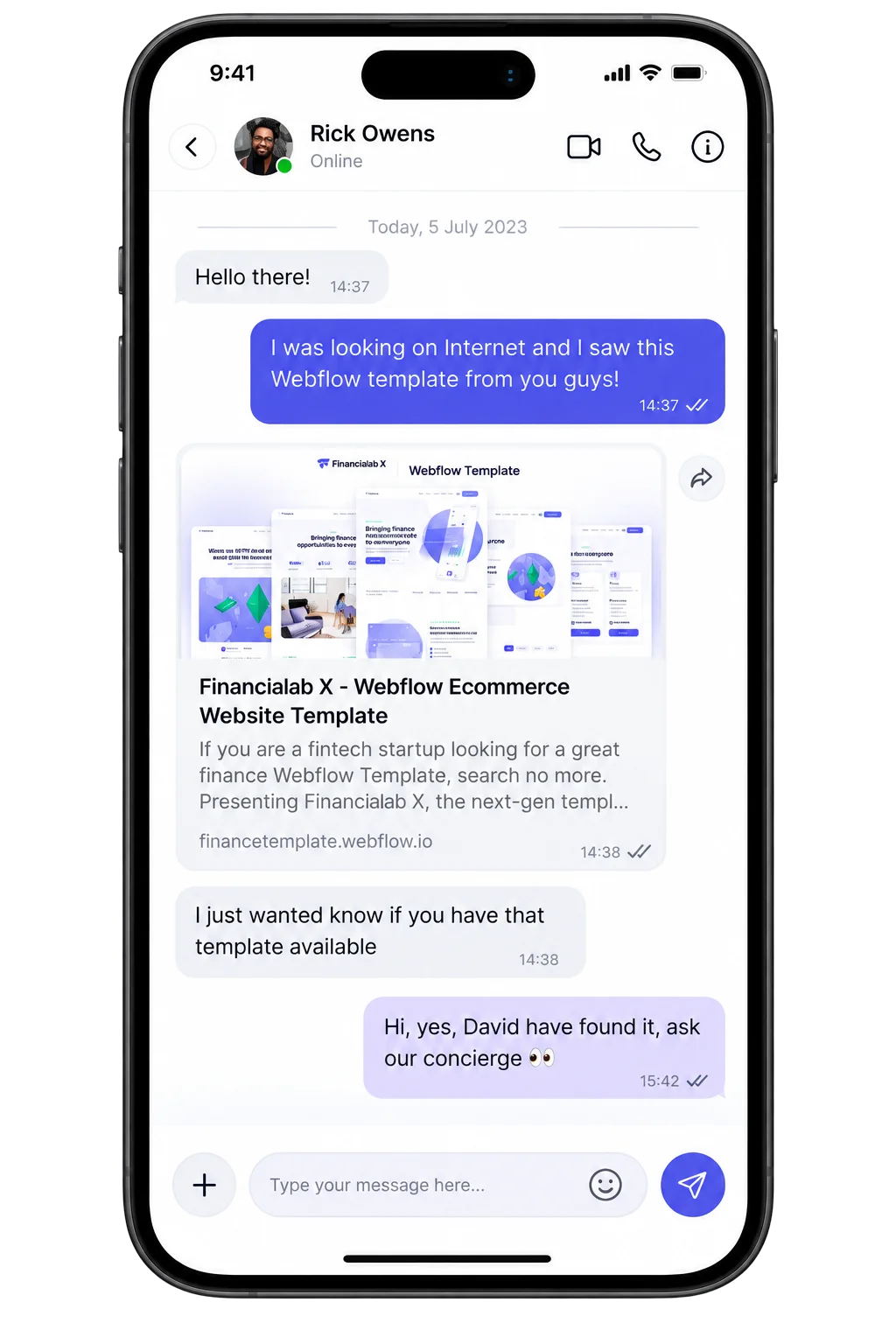
Connect through messages, voice notes, audio and video calls, with screen sharing and recording options. Send photos, videos and documents from your camera or files without leaving the conversation.
Find & Prioritize Important Messages
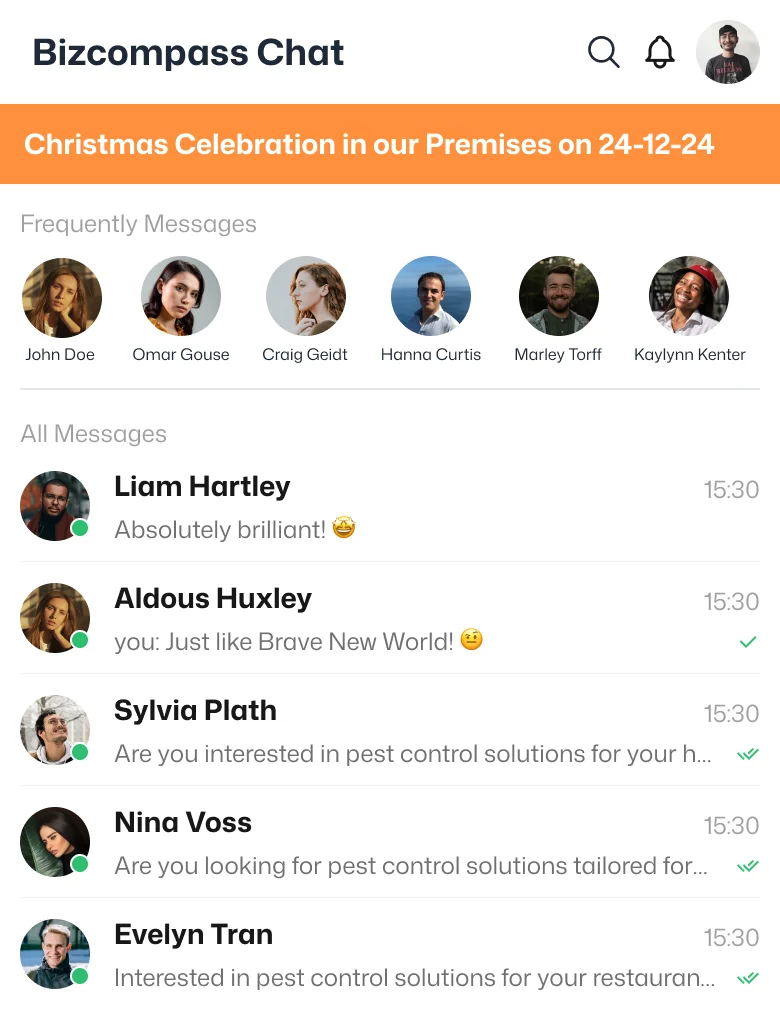
Search messages, set standard, important, urgent or quick-message priorities, and find conversations through important, urgent, starred, pinned, support-ticket and task filters.
Create Groups With Admin Approval
Create a group with its own name and display picture, submit it for administrator approval and organize related conversations through group lists.
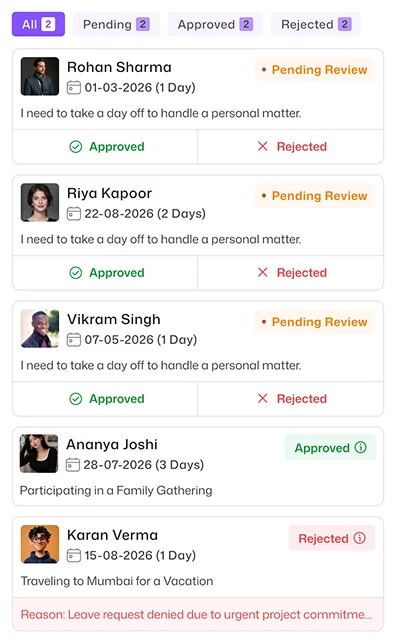
Handle Team Approvals
From Anywhere
Authorized managers can approve or reject leave, attendance-log and log-regularization requests, along with remote-work, comp-off credit and partial-day applications. Group-admin changes can also be handled by users with the required approval rights.
Travel, CRM, Tasks & Assets—All on Mobile
Handle more than HR tasks without returning to your desk. Work with expenses, travel, leads, To-Dos and company assets through the mobile features available to your role.
Travel & Expense Management
Submit and track expense claims, plan business travel and request travel advances. Authorized travel-desk users can examine and approve travel requests.
Mobile CRM Lead Management
Create leads, filter them by status and open lead records to call, WhatsApp, email or assign the next action to a team member.
To-Do Management
Manage To-Dos, track tasks, and check work status on the go. Stay organized with our intuitive interface to prioritize tasks and collaborate with your team.
Asset Scanning & Audits
Find and manage company asset records by scanning or entering an asset ID manually. Conduct and examine asset audits without switching to a desktop.
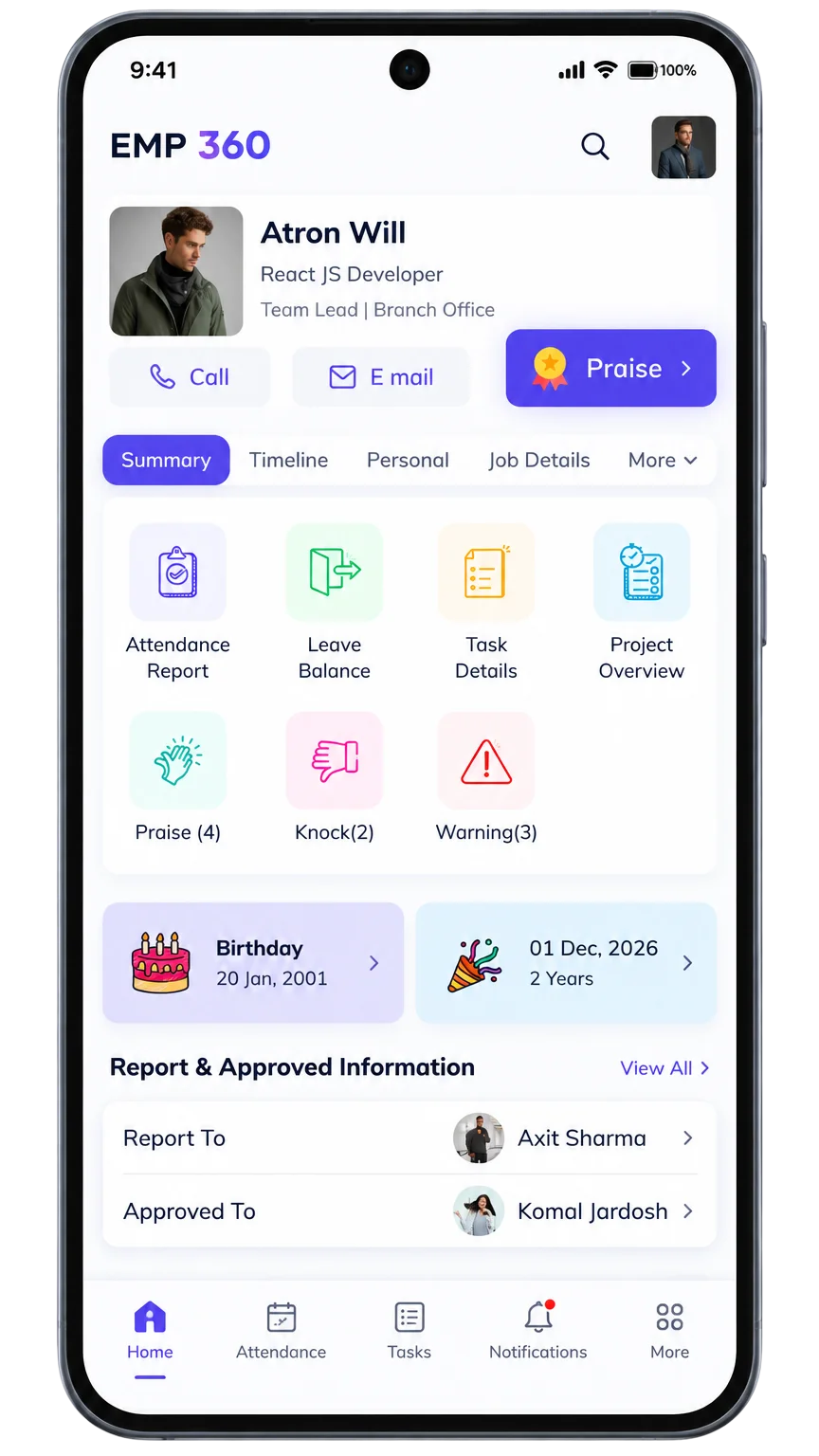
Employee 360, Payslips & App Access for Every Role
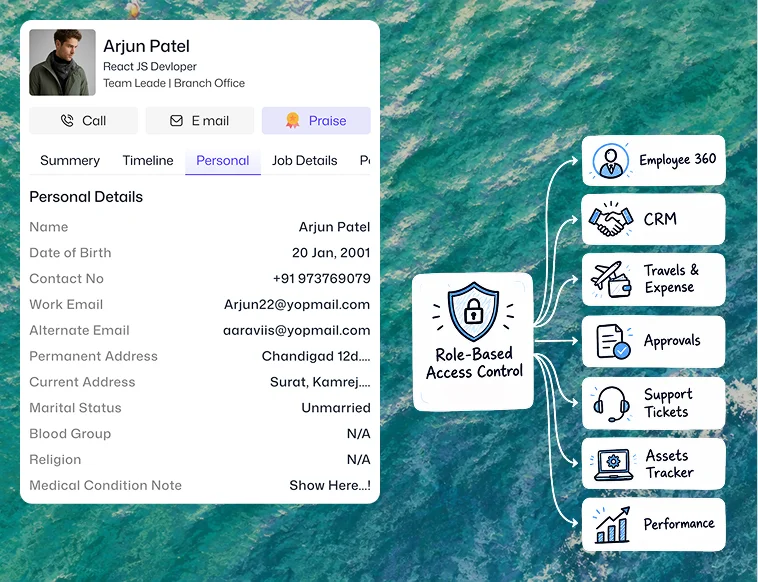
Open personal and employment information, download available salary slips, manage documents and files, and check tax declarations. Authorized users can also view other employees' personal and working profiles through Employee 360, with those records remaining read-only in the mobile view.
Personal Details and
App Preferences
Update permitted profile information and your profile picture. Find your account ID, email, job level and activity status, manage files and notifications, use quick log regularization, and change app settings or appearance. BizCompass Support provides view-only access to existing support information.
Role-Based Access Controlled
by Superadmins
Superadmins define available features and actions through organizational roles, reporting hierarchy and access rights. Employees, managers and authorized administrators see the functions relevant to their responsibilities rather than receiving identical access.