Employee Engagement
Software
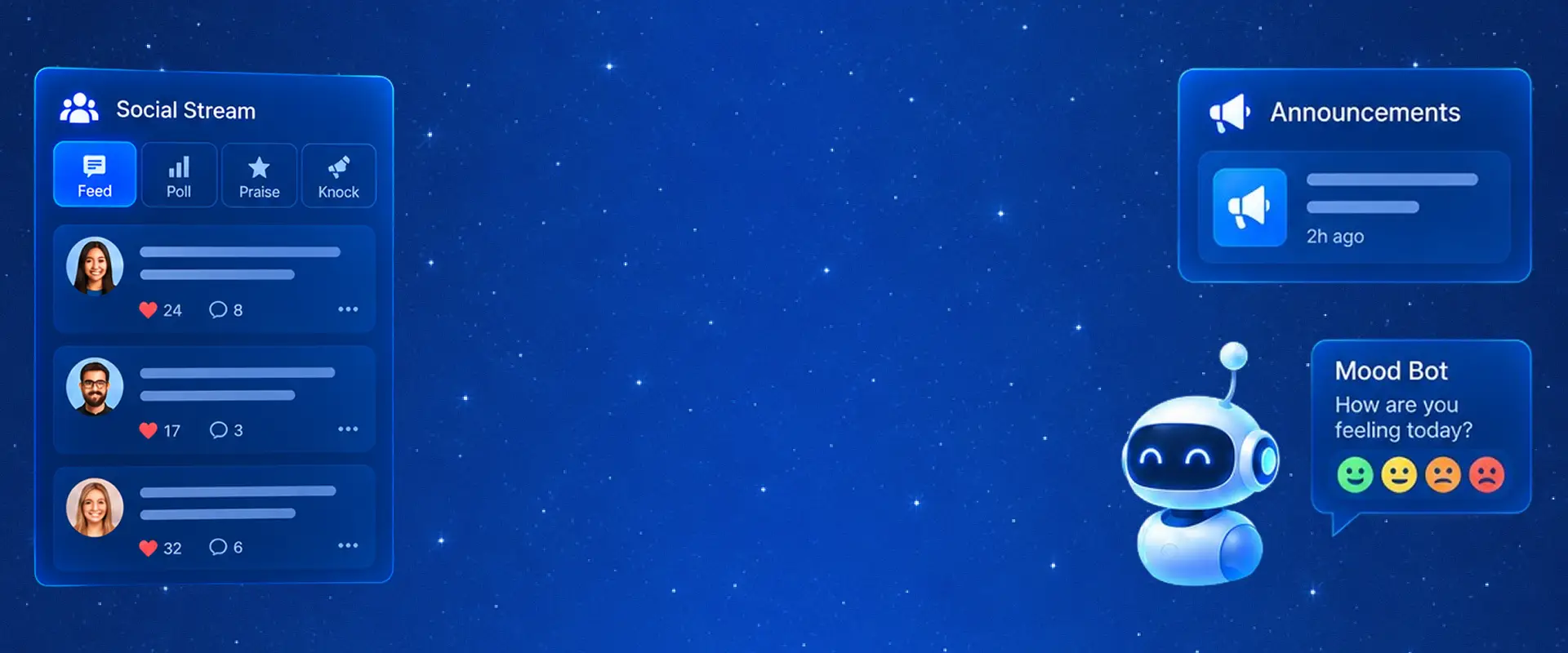
Keep company communication and employee participation connected. Share important updates, celebrate milestones and give employees more ways to contribute through social posts, polls, feedback, recognition and Mood Bot.
Share Company Announcements with the Right Teams
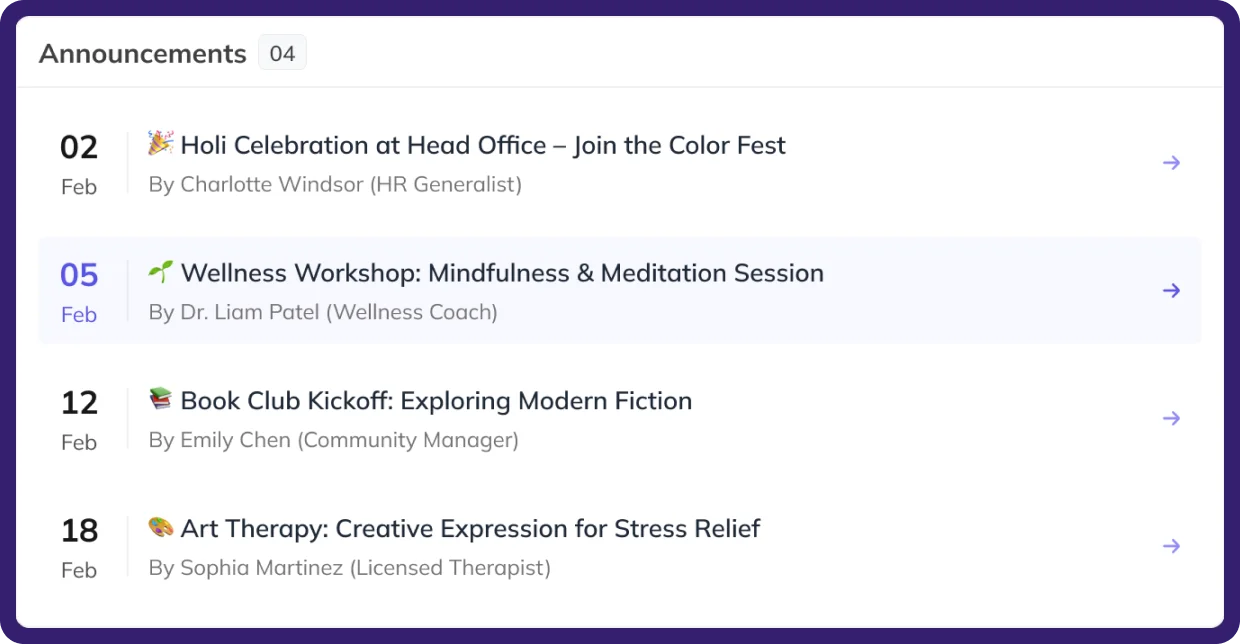
Publish important announcements for selected companies, branches, departments, designations or employees. Include messages and attachments, set expiry dates, and mark priority announcements to keep relevant company information organized.
Organize Company Events and Employee Activities
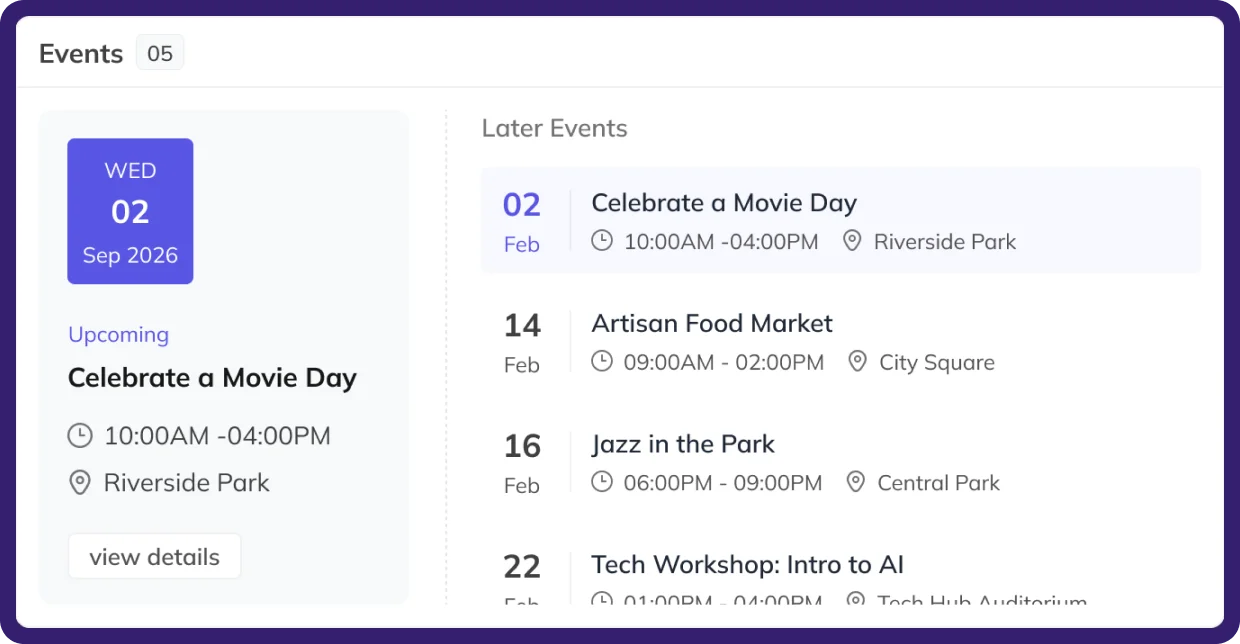
Create company events with dates, timings, descriptions and attachments. Select the relevant company or branch and set registration requirements so employees have the details needed to participate.
Celebrate Employee Milestones and Special Occasions
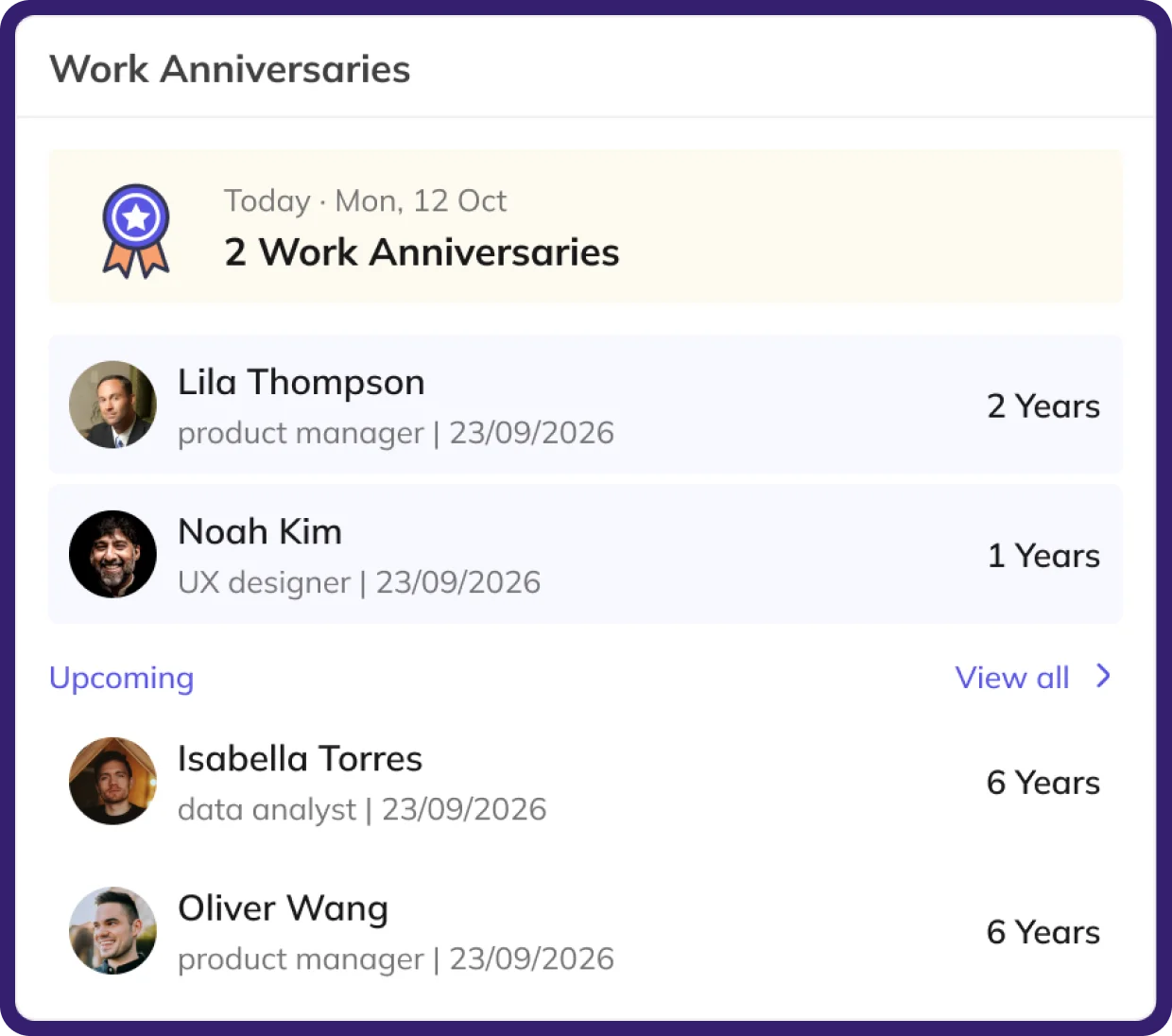
Keep birthdays and work anniversaries visible across the organization. Create greeting messages for different occasions, select the relevant departments and share appreciation through messages suited to each celebration.
Bring Employee Conversations
Together in the Social Stream
Employees can share updates and ideas through feed posts, interact with colleagues and participate in polls, Praise and Knock from the same social space. Keep everyday conversations and employee contributions together.
Collect Employee Opinions Through Polls
Create polls with questions, answer options and expiry dates. Employees can participate directly through the Social Stream, making it easier to gather opinions on workplace topics and team activities.
Ask for Feedback and Give Feedback
Employees can respond to assigned feedback forms, while authorized users can track pending responses, examine submitted feedback and see available response summaries.
Recognize Contributions Through Praise and Knock
Appreciate employees through Praise and share constructive feedback through Knock. Choose the relevant employee and category, add a message and record applicable points. Categories and subcategories can be configured for different interactions.
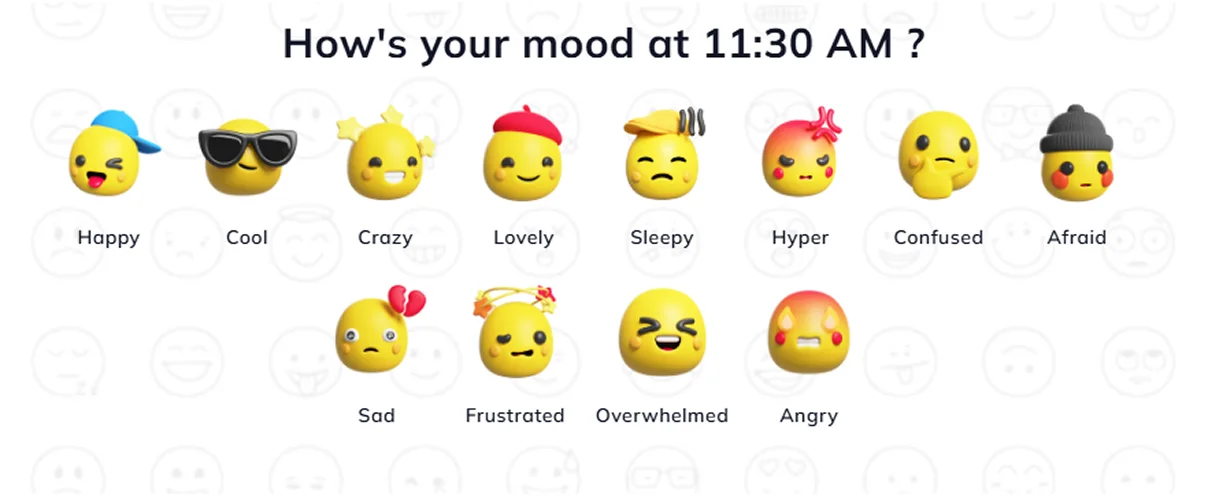
Customize Mood Options
Configure mood names, icons and associated marks to maintain the choices available for employee mood entries.
Understand Employee Mood with Mood Bot
Create company events with dates, timings, descriptions and attachments. Select the relevant company or branch and set registration requirements so employees have the details needed to participate.