
HR Document
Management Software
Generate customized employee letters, manage approvals & acknowledgements, & keep employee, company, customer and vendor documents organized in one place.
Generate Employee Letters From Joining to Exit
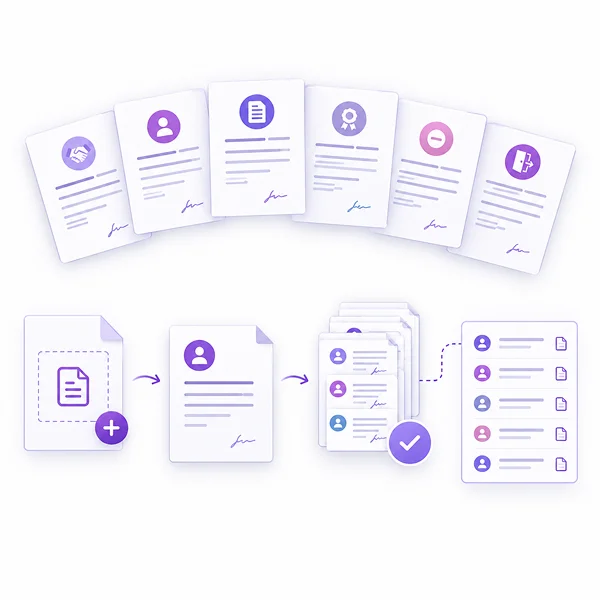
Prepare offer, appointment, agreement, experience, termination, relieving and other employee letters using the relevant templates, without creating each document from scratch.
Generate Letters for Multiple Employees
Use bulk letter generation when the same letter is needed for several employees. Review the generated-letter list and preview individual documents after generation.
Create Reusable Letter Templates With Your Own Format
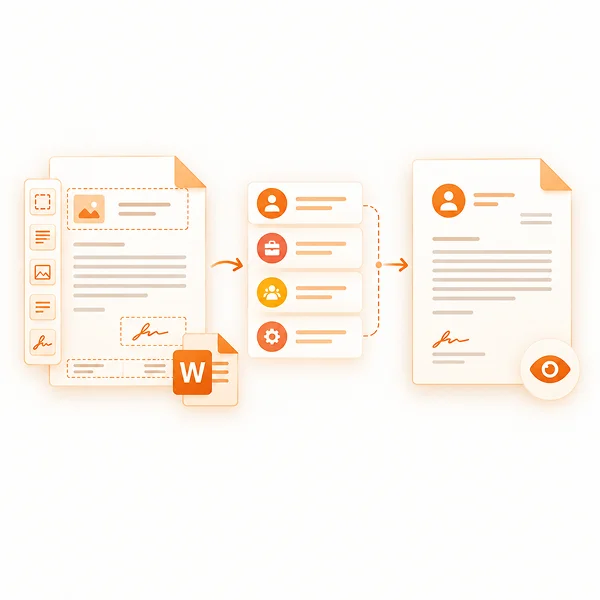
Build customized letter templates using the available letter editor or MS Word option. Set editable content, headers, footers, signatory details and page settings to keep the required format ready for future letters.
Personalize Letters With Employee Data Fields
Add fields for employee names, designations, departments and other available details, or use custom tags where needed. Preview the letter layout before saving the template.
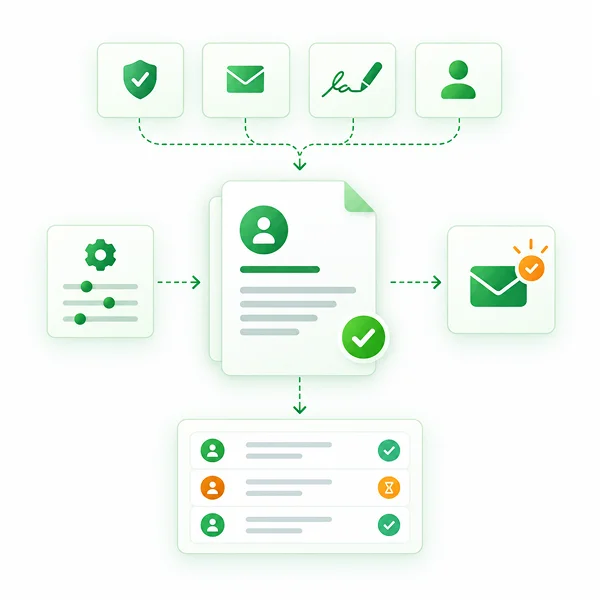
Track Letter Approvals and Online Acknowledgements
Configure whether letters require approval, acknowledgement emails, signatures or stamps, and whether they should appear in the employee profile. Follow approval and acknowledgement status without relying on separate records.
Review Generated Letters and Their History
Use letter logs to find records by letter name, type, employee or candidate, and status. Check generation dates, open letter documents and review the recorded status when follow-up is needed.
Manage Letters Directly From Employee Profiles
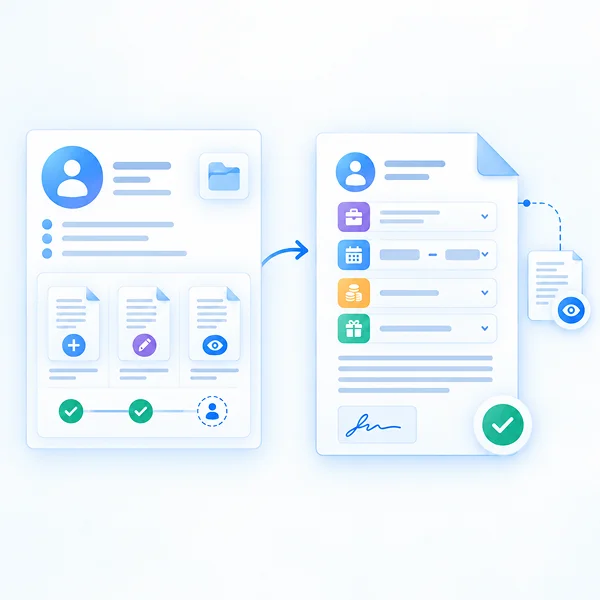
HR can create and edit letters within an employee's Employee 360 profile, while employees can view letters made available in their profiles. Keep letter details, approval status and acknowledgement status accessible within the employee record.
Include Role, Salary and Bonus Details When Needed
For applicable letters, enter joining and designation details, salary periods and amounts, and relevant salary headers or bonus information directly through the employee letter form.
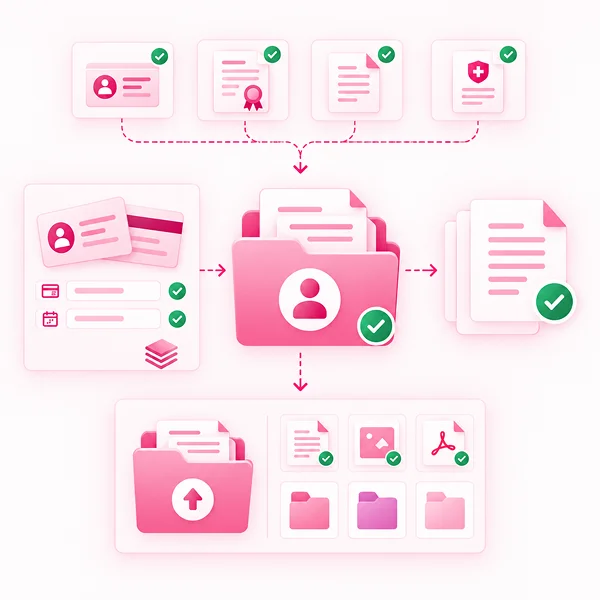
Manage Employee Documents and Personal File Uploads
Keep employee identity proofs, certificates and other required documents organized. View document records and their status through Employee 360, alongside a dedicated area for personal files.
Configure Required Documents and Details
Define whether documents need front and back uploads, allow multiple document entries, and set required fields such as document number or date of birth.
Upload and Organize Files in Employee 360
Add files through the employee's Files tab and use the available file and folder controls to keep personal records in the right place.
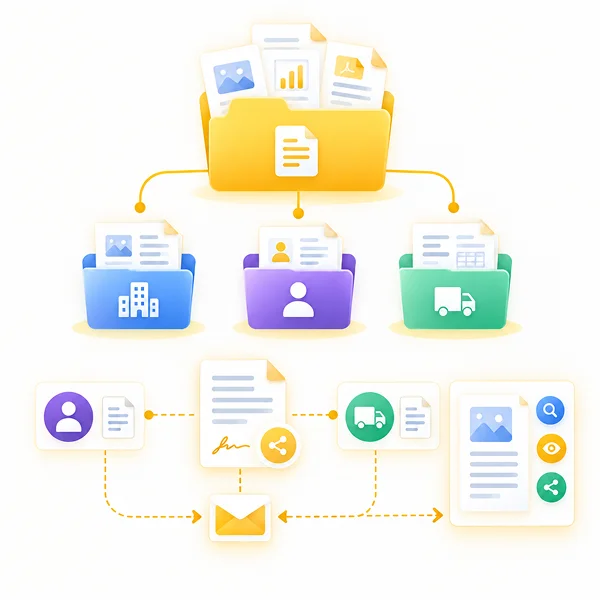
Organize Company, Customer and Vendor Documents
Store, search and preview organization documents with the available file visibility and sharing settings. Keep business documents separate from employee records so the right files are easier to find.
Maintain Customer and Vendor Agreement Records
Create customer or vendor document records by selecting the relevant party and agreement letter. Use the email option when the agreement document needs to be sent.