Give Every Recruitment User the Right Level of Access
Define roles and permissions so each recruitment user can access the information and activities relevant to their responsibilities.
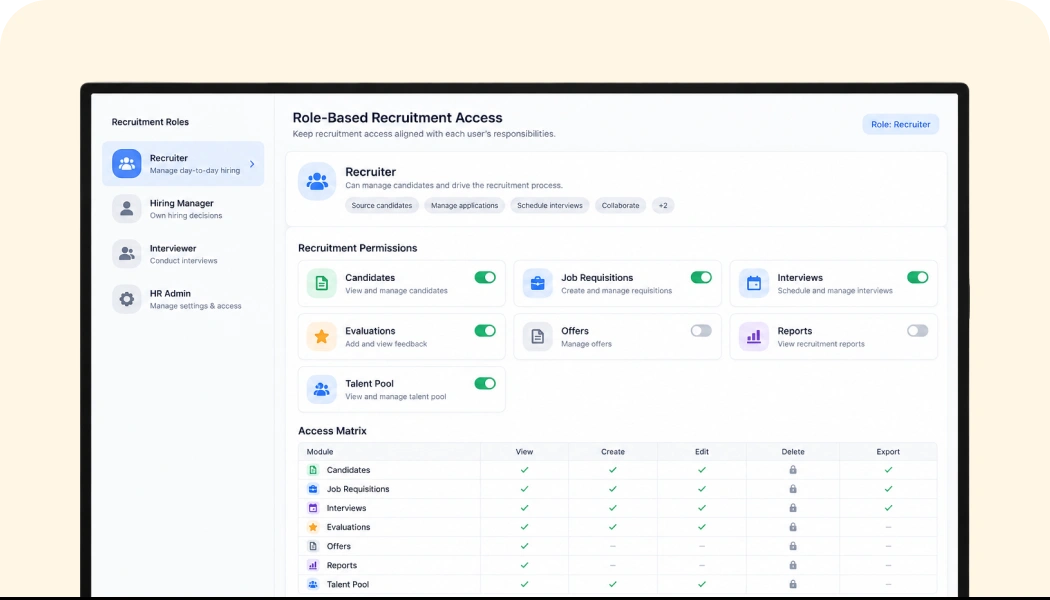
Set Access Around Each User’s Recruitment Role
Define roles based on how users participate in recruitment and assign the access they need to carry out their responsibilities.
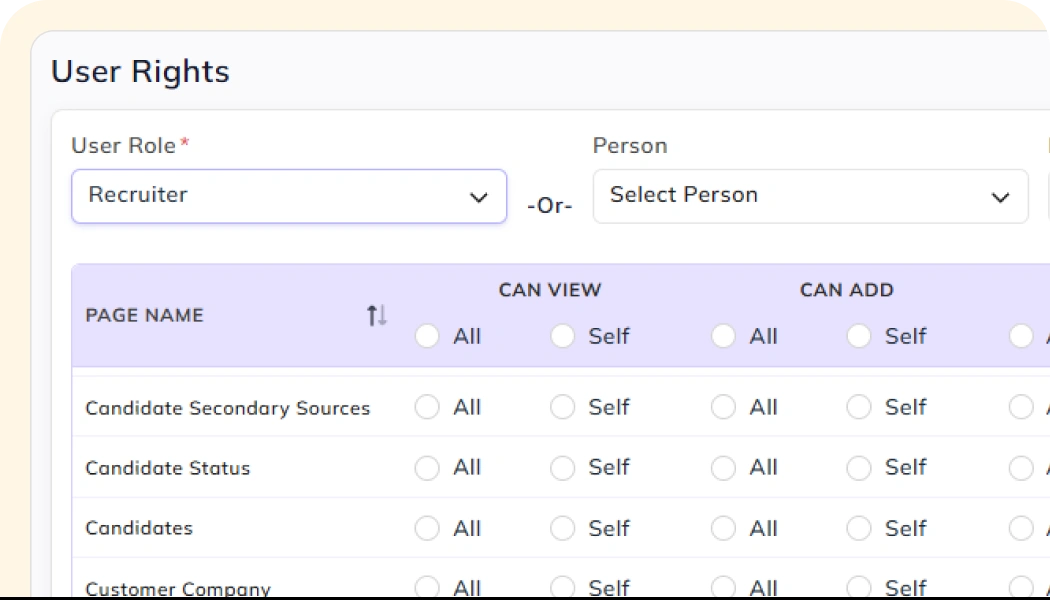
Control What Each Role Can Access and Do
Configure permissions around recruitment information and activities so each user works within the access assigned to their role.
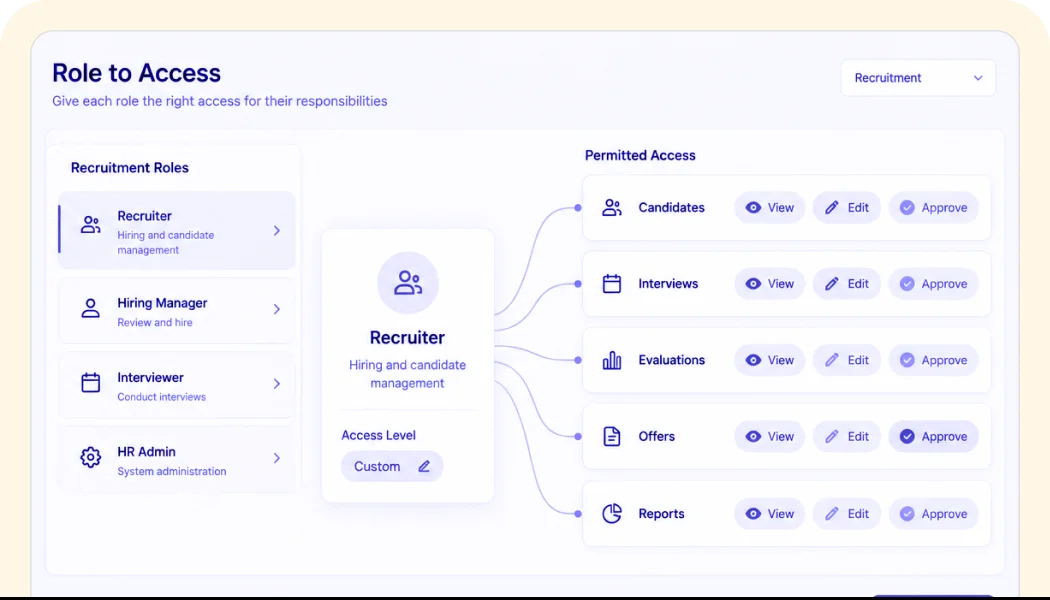
Keep Recruitment Access Aligned With Responsibilities
Give recruiters and other recruitment users the access required for their part of the hiring process, based on the responsibilities assigned to their role.
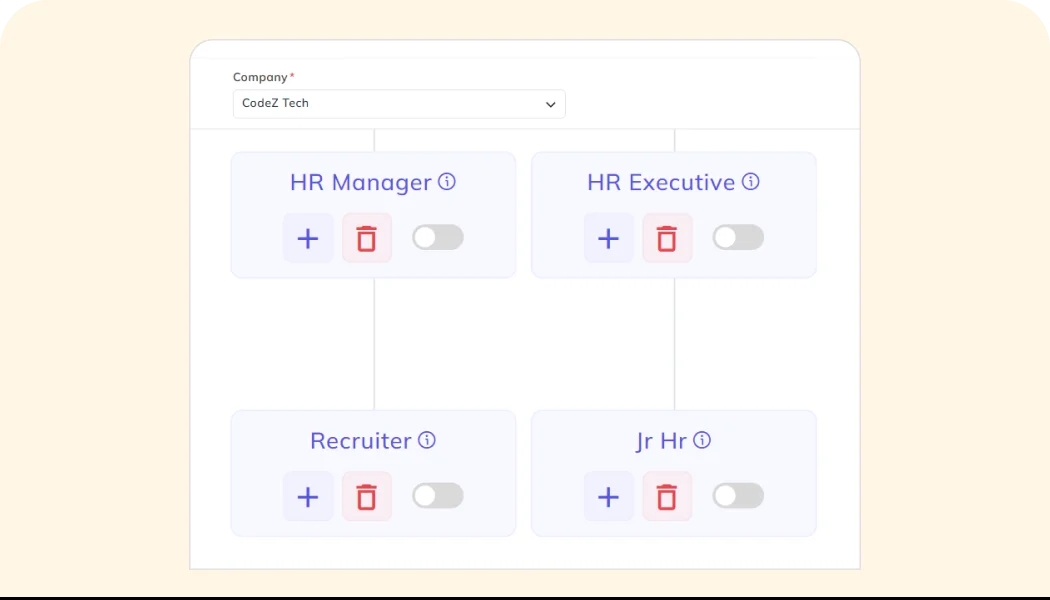
See Role & Permission in Action
See how a recruitment role is configured, permissions are assigned, and user access is managed within Bizcompass.
Frequently Asked Questions
Find clear answers to common questions about features, workflows, and how the system works in real scenarios.
What does Role & Permission do in Bizcompass?
Role & Permission lets you define recruitment roles and control the access available to users based on their responsibilities.
Can I define different access for different recruitment users?
Yes. Different users can be assigned roles and permissions based on the responsibilities they have within the recruitment process.
Why use roles and permissions in recruitment?
Roles and permissions keep recruitment access aligned with each user's responsibilities and the work they need to perform.
Can recruitment access be managed from Bizcompass?
Yes. Recruitment roles and permissions can be configured within Bizcompass to manage user access across the recruitment process.