Document Collection Software for Employee Onboarding
Collect the documents and information required from selected candidates, follow up automatically on pending submissions, and let candidates correct and resubmit rejected documents.
What Happens When a Document Is Missing, or Wrong
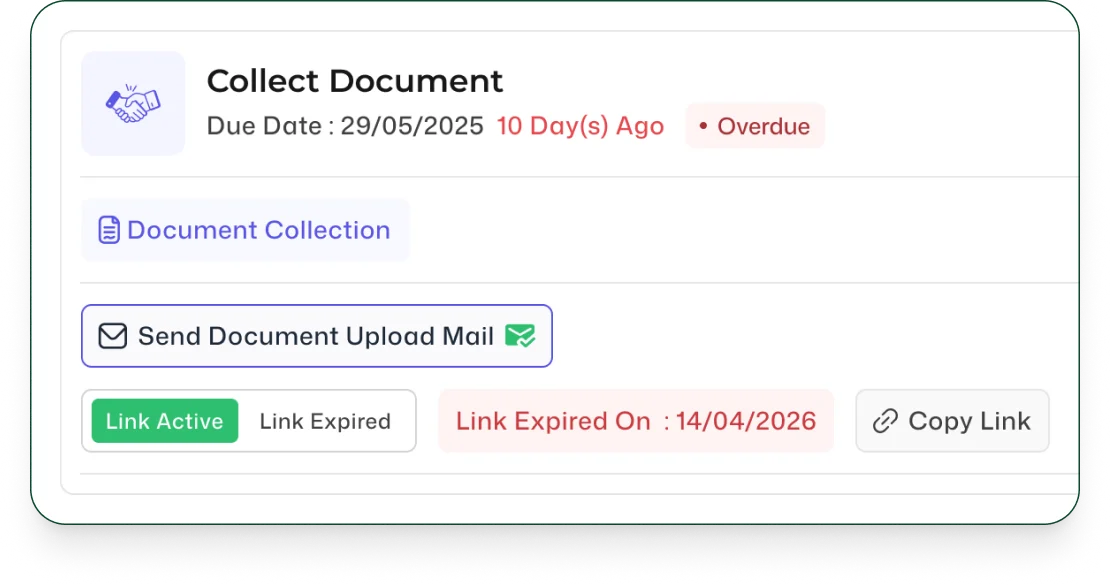
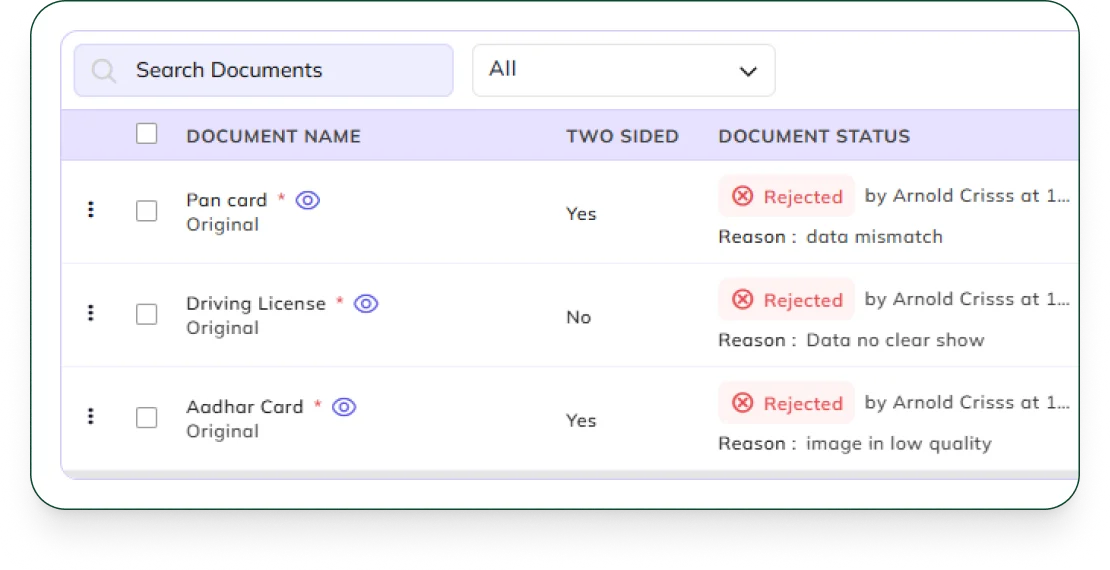
A pending document triggers an automatic follow-up on its own schedule. A rejected one gets sent back to the candidate to correct and resubmit, no recruiter has to chase either one manually.
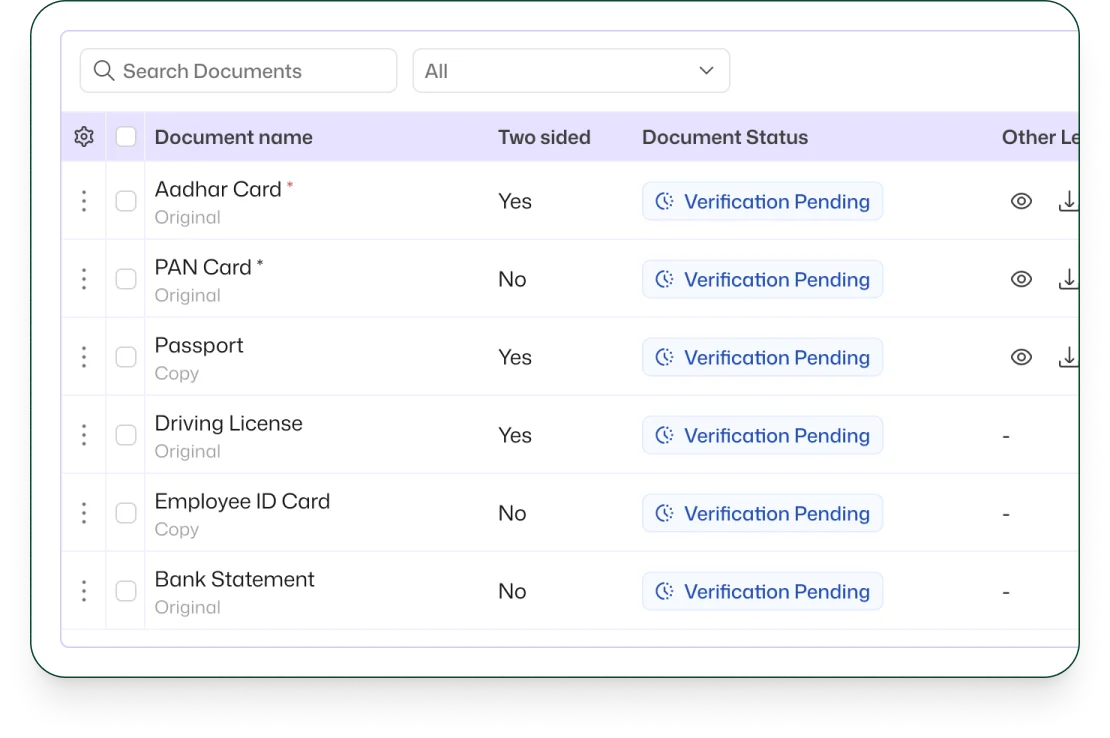
Follow Up Automatically on Pending Documents
Keep pending document and data requests moving with automatic follow-up, so candidates are reminded when required submissions are still outstanding.
Let Candidates Correct and Resubmit Rejected Documents
When a submitted document does not meet the required criteria, the candidate can make the necessary correction and resubmit it as part of the same onboarding process.
Frequently Asked Questions
Find clear answers to common questions about features, workflows, and how the system works in real scenarios.
What is document collection software for employee onboarding?
Document collection software helps organizations collect the documents and information required from candidates during onboarding and manage their submission status.
Can Bizcompass automatically follow up on pending documents?
Yes. Bizcompass can automatically follow up when required documents or information are still pending from the candidate.
What happens if a submitted document is rejected?
The candidate can correct the required information or document and resubmit it through the onboarding process.
Does document collection stay connected to the candidate?
Yes. Document and data submissions remain connected to the candidate's recruitment and onboarding record.