Campus Recruitment Software Built to Reach Student Talent Directly
Share vacancies with college placement teams through a link or QR code and bring student applications into your recruitment process.
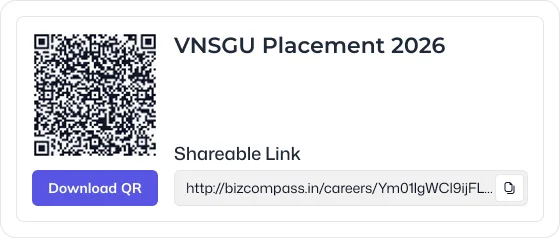
Share Vacancies With Placement Cells by Link or QR Code
Make an open vacancy available to college placement teams through a shareable link or QR code, without relying on manual distribution of candidate details.
Let Students Apply the Moment They See the Opening
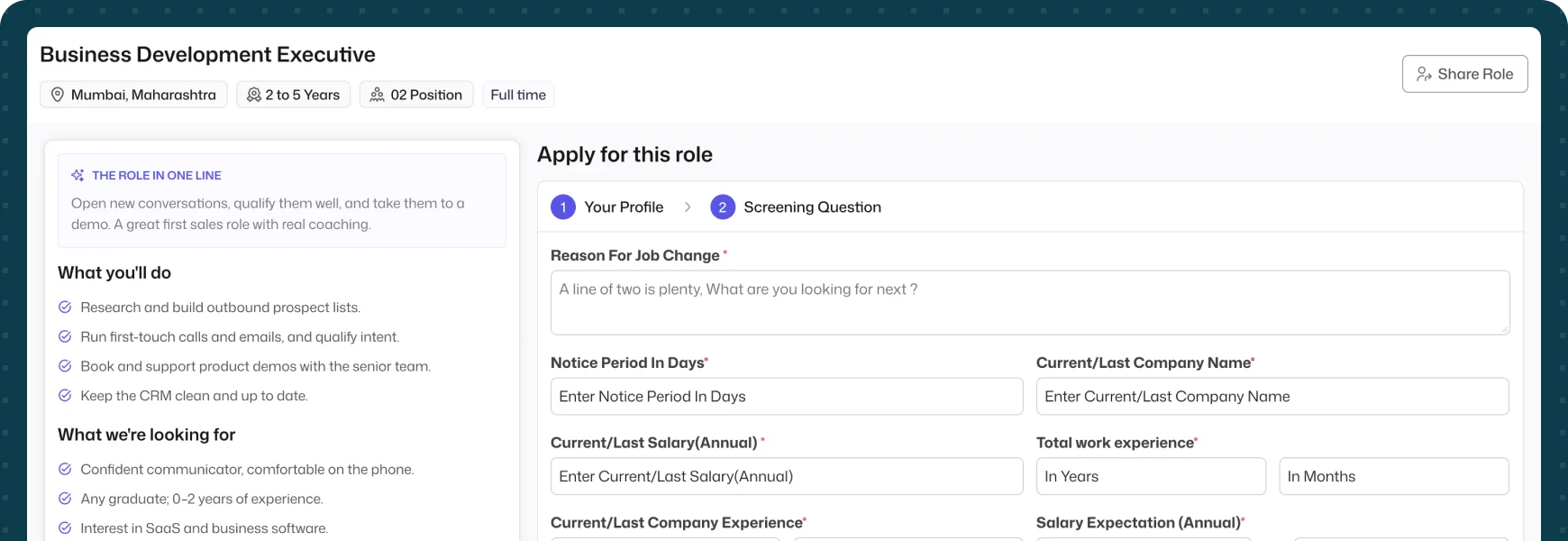
Students can access the shared opportunity, provide their information, and submit their application through the configured recruitment process.
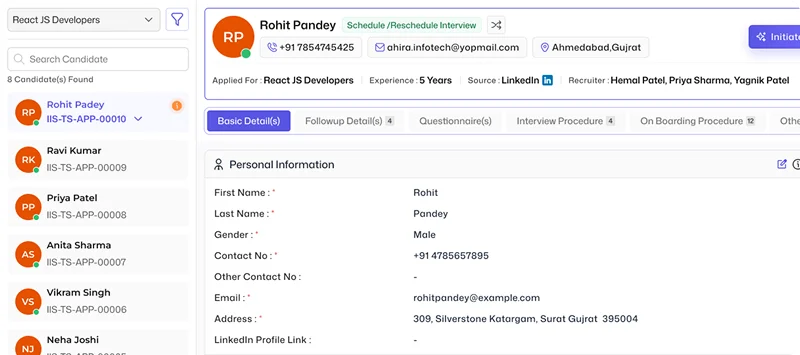
Bring Every Campus Application Into One Recruitment Pipeline
Applications received through college placement activities enter the recruitment process, allowing recruiters to continue with candidate review and subsequent hiring activities.
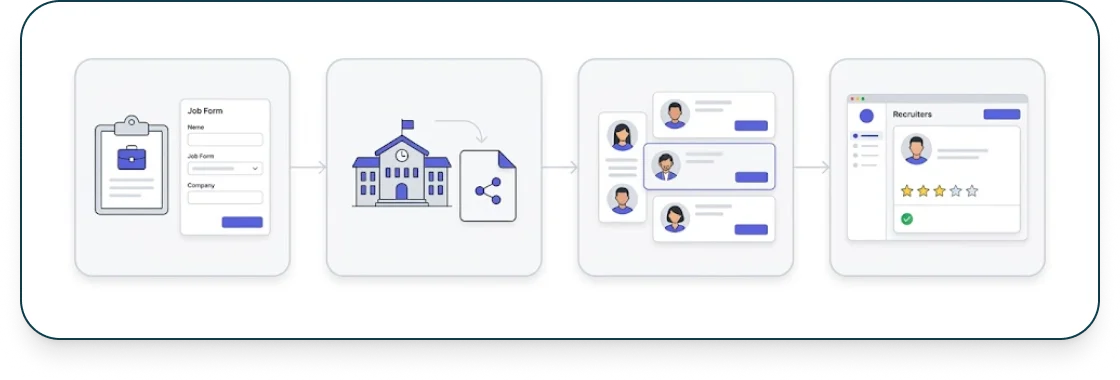
From Placement Cell to Candidate Review, in One Flow
Connect the campus hiring journey from vacancy distribution to application capture and recruiter review in one structured flow.
Frequently Asked Questions
Find clear answers to common questions about features, workflows, and how the system works in real scenarios.
How can I share a vacancy with a college placement cell?
A vacancy can be shared with the placement team through a link or QR code.
Can students apply directly to the shared vacancy?
Yes. Students can access the vacancy and submit their information through the application process.
Do student applications enter the recruitment process?
Yes. Applications received through the college placement flow become part of the recruitment process for further review.
Can the placement team share the vacancy using a QR code?
Yes. QR-based vacancy sharing can provide placement teams with a direct way to distribute the opportunity to students.
Is College Placement separate from the main recruitment workflow?
No. The campus sourcing activity connects with the recruitment process so applications can continue through the same hiring workflow.