Lead Management Software to Capture, Qualify & Assign Enquiries
Bring website enquiries, imported leads and manually created records into Bizcompass with the customer details your sales team needs. Organize each lead by its source, interest and ownership, so the next conversation starts with useful context.

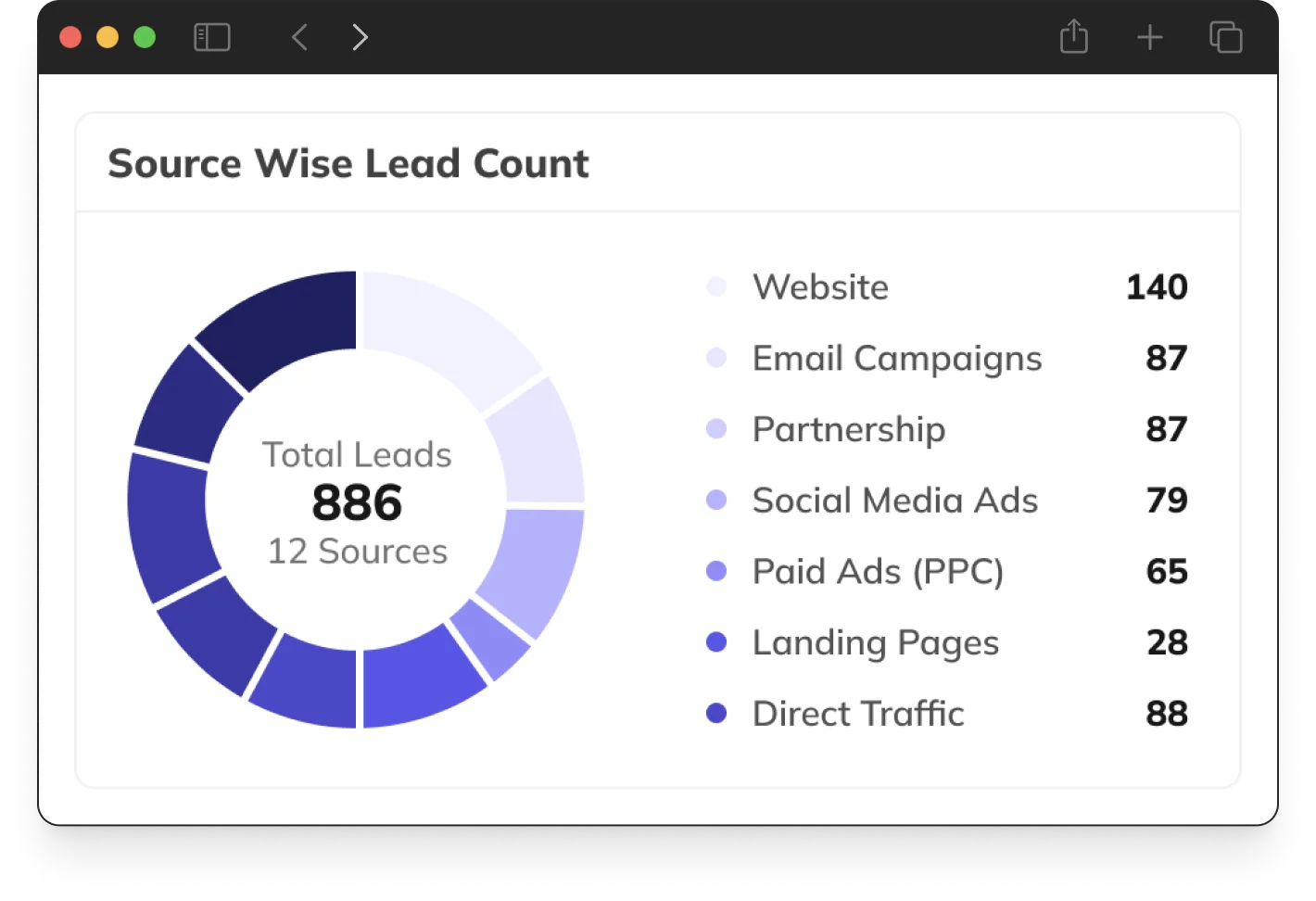
Capture Website Enquiries & Import Existing Leads
Collect enquiries through embeddable website forms or bring existing leads into BizCompass through imports. With iframe, script and downloadable JavaScript options, plus form appearance settings, your business can fit lead capture into its website while keeping enquiries ready for the sales team.

Keep Every Lead's Details Ready for Sales
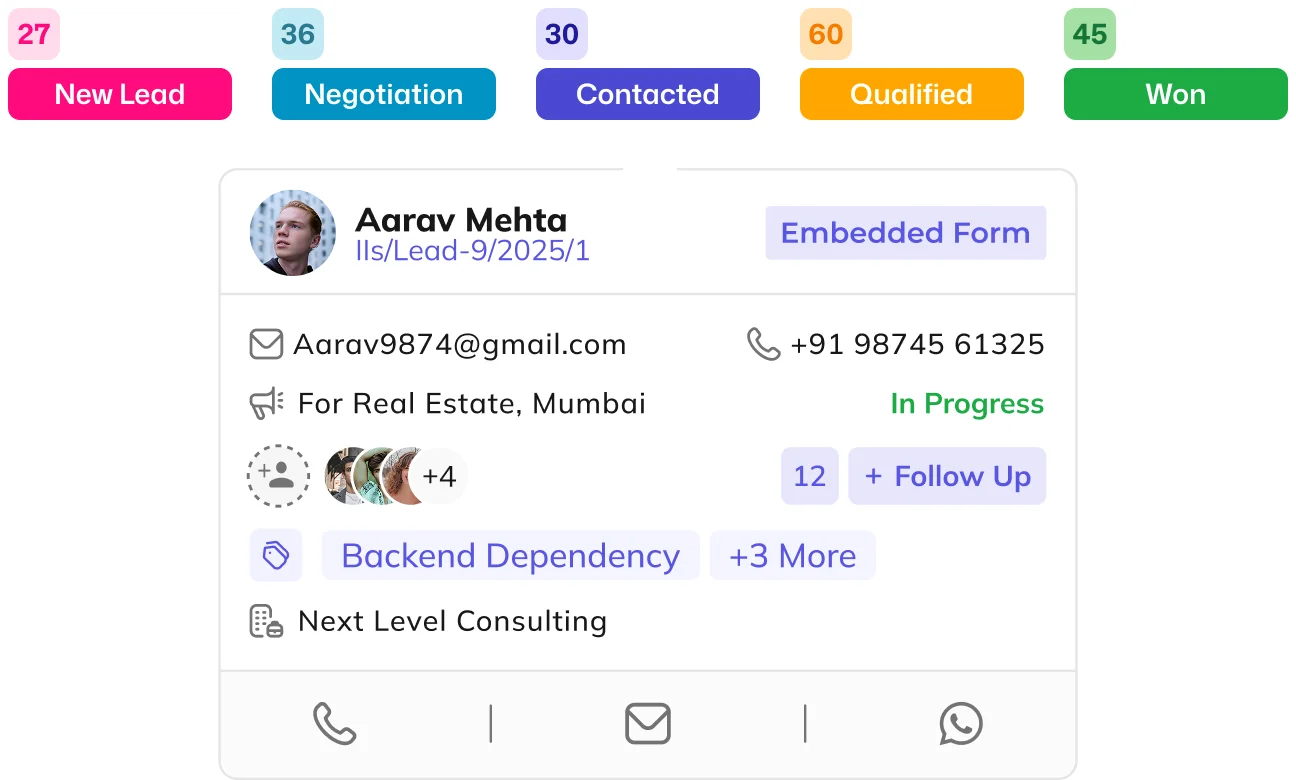
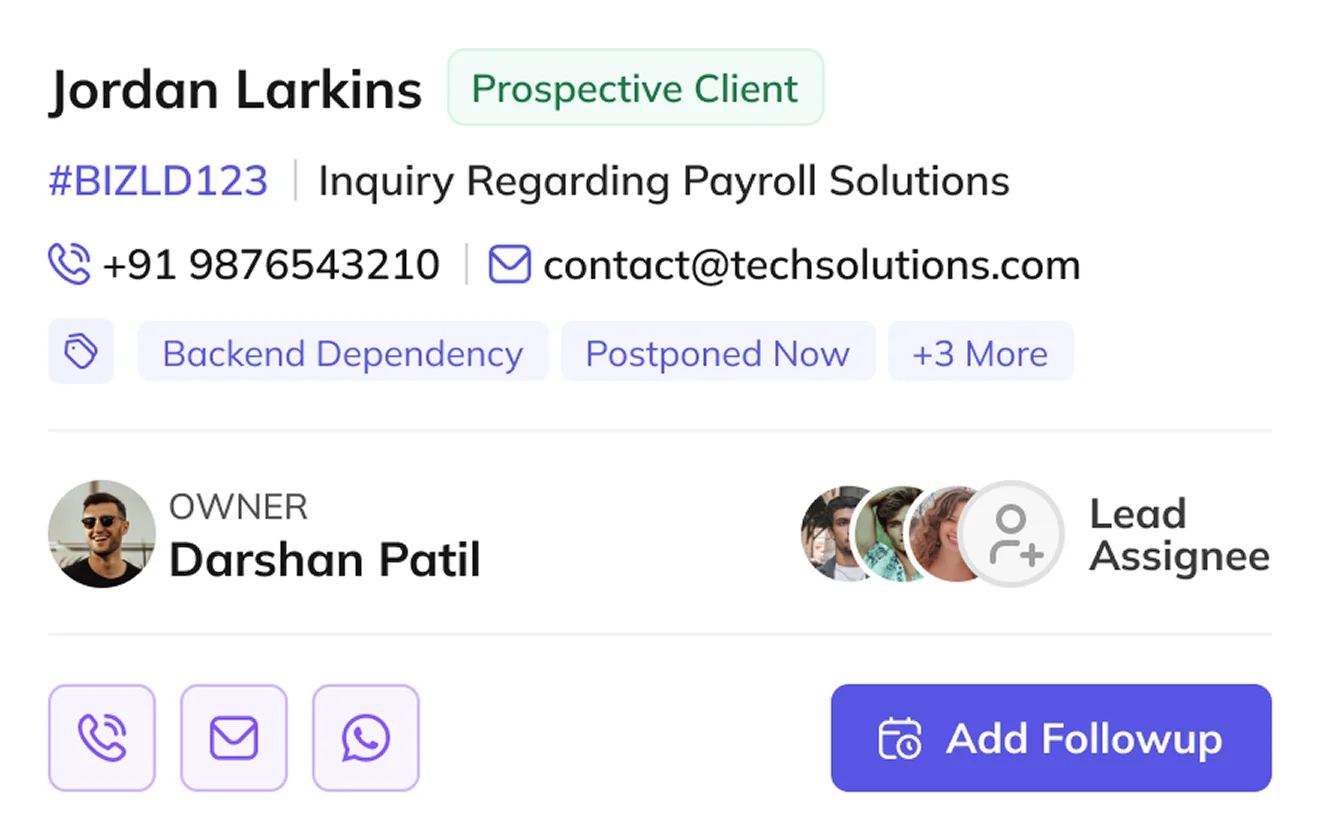
Create and update lead records with contact, company, product and enquiry information. Whether working from the lead list or an individual record, salespeople have the details they need to understand the prospect and continue the sales process.
Choose How Leads Are Assigned
Define lead ownership and assignment policies around your team's responsibilities, including company, department, designation and employee selections. Sequential, smart restricted and overflow-reset options, along with previous-assignee settings, provide different ways to organize lead distribution.
Classify Leads by Source, Type and Interest
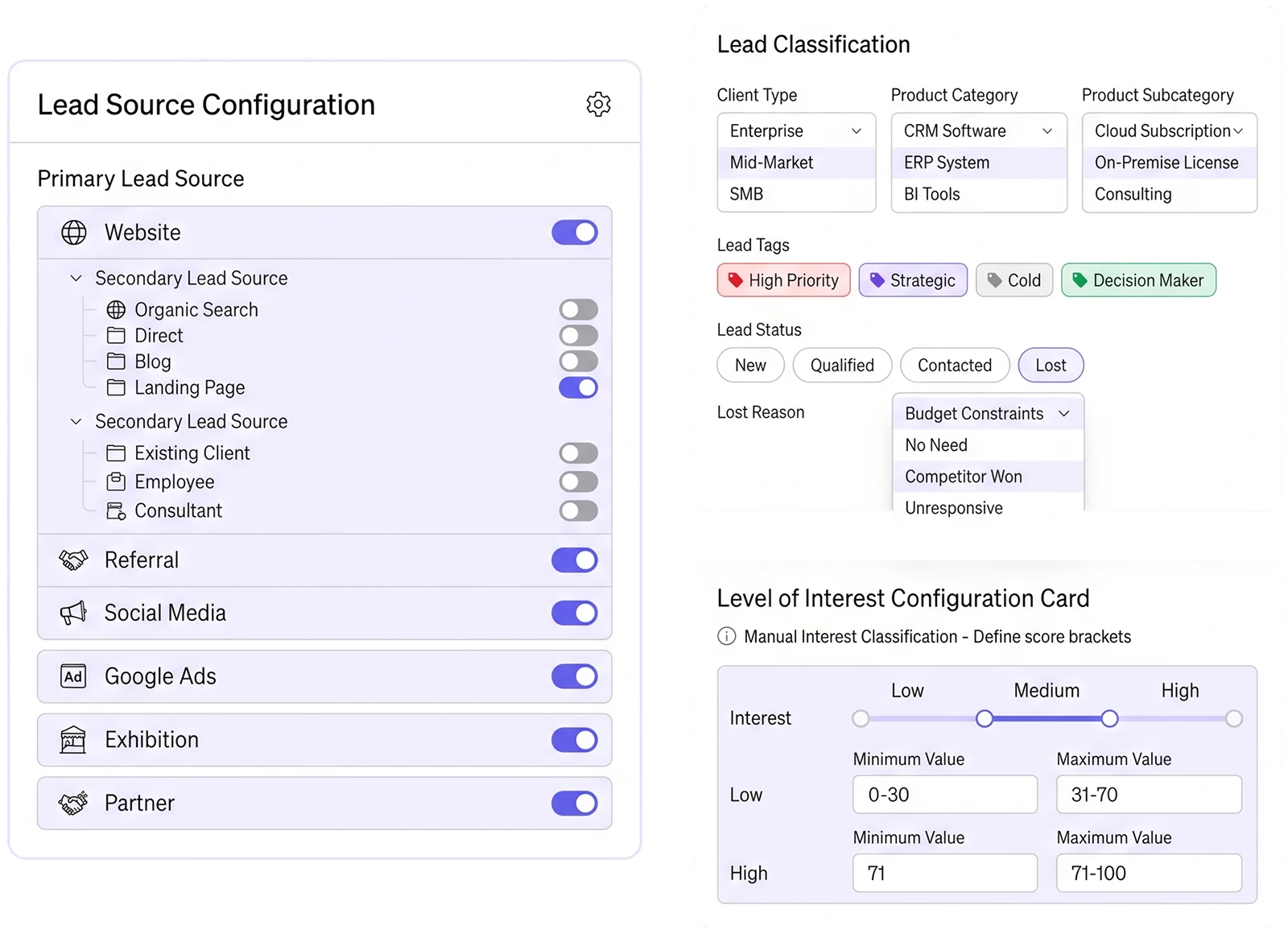
Identify how an enquiry reached your business through primary and secondary lead sources and related acquisition details. Client types, product categories, subcategories, lead tags and configurable interest ranges help your team classify opportunities, while statuses and lost reasons retain relevant sales context.
Continue Sales Conversations With Lead History
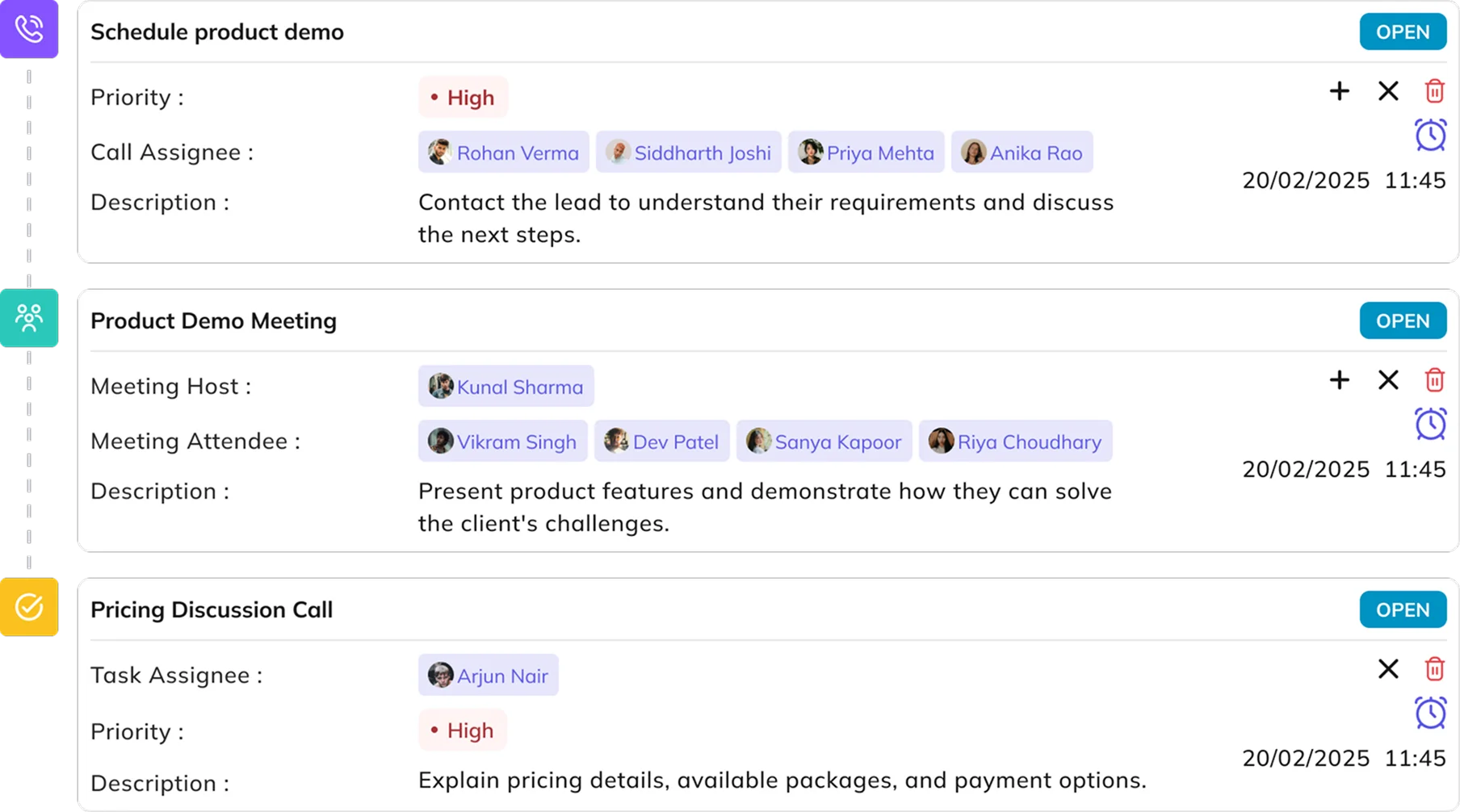
Previous follow-ups, related leads, notes and activity timelines give each enquiry more context than its original contact details alone. Salespeople can use that history to continue conversations and coordinate handovers without losing track of earlier interactions.