Travel & Expense Integration
Travel & Expense
Integration With Payroll
Connect employee travel requests, travel advances, expense claims, approvals, and reimbursements with payroll in Bizcompass.
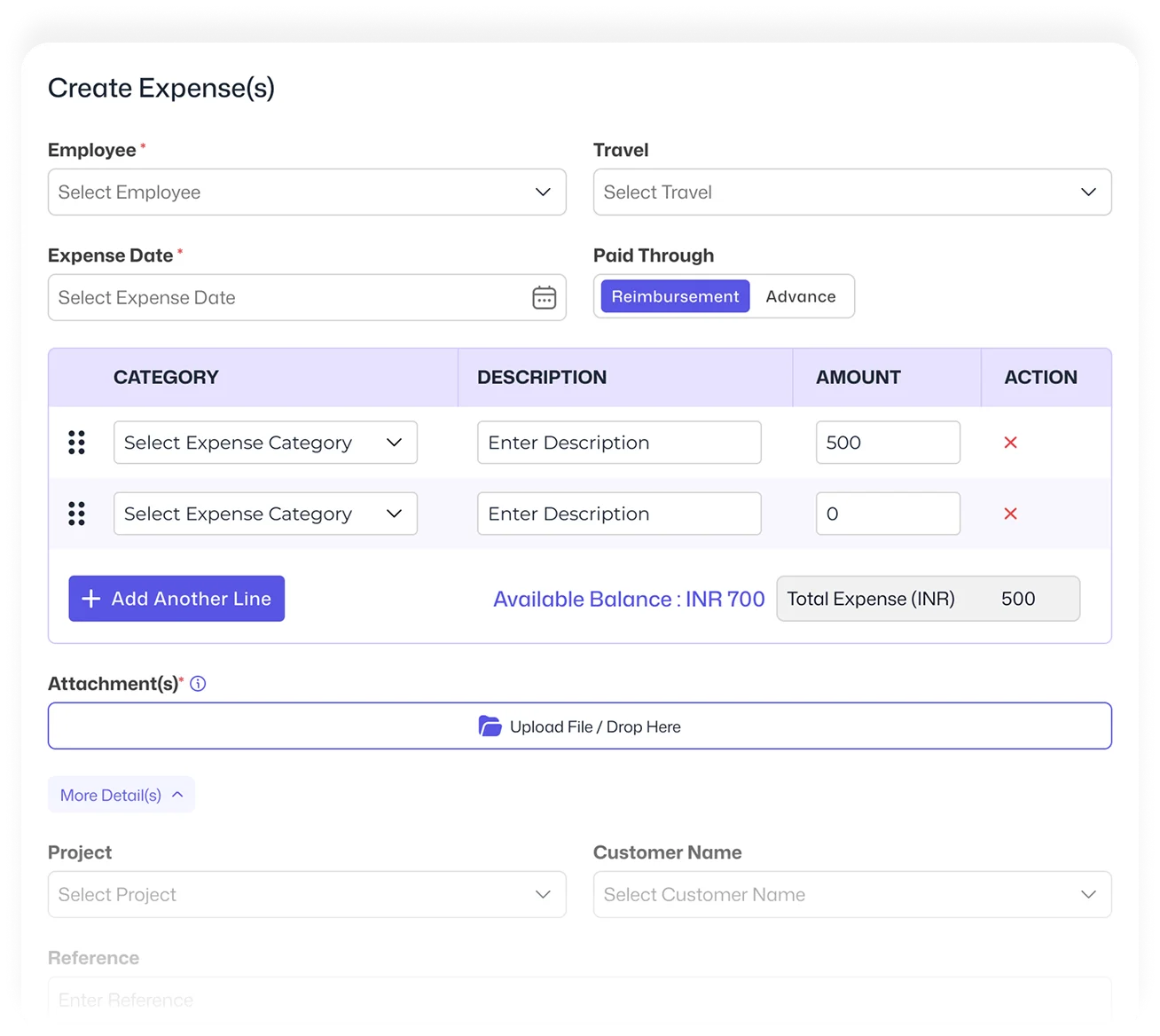
Plan Travel, Manage Advances & Track Expenses
Employees can create travel requests with their planned itinerary and submit them for approval. Approved travel advances can be provided before the trip, while actual expenses can be added after travel and submitted through the approval process.
Add Approved Reimbursements to the Upcoming Salary
Once an expense is approved for reimbursement, the reimbursement amount can be added to the employee salary before the upcoming payroll run. HR can verify the reimbursement amount in the individual employee salary calculation before processing payroll.
Frequently Asked Questions
Approved expense reimbursements can be added to an employee salary before the upcoming payroll run and verified during salary processing.
Yes. Employees can create a travel request with their planned itinerary and submit it for approval before the trip. An approved travel advance can then be provided for the planned travel.
Yes. Employees can add actual travel expenses after the trip and submit them through the approval process.
An approved reimbursement can be added to the employee salary before the upcoming payroll run and checked during the salary verification process.
Yes. Travel advances can be provided for planned travel, while actual expenses can be submitted later and processed as reimbursements after approval.